Web Content Management
Practical advice, tips, and tools for CAES and Extension web content managers. Browse this page or select one of our categories.
-
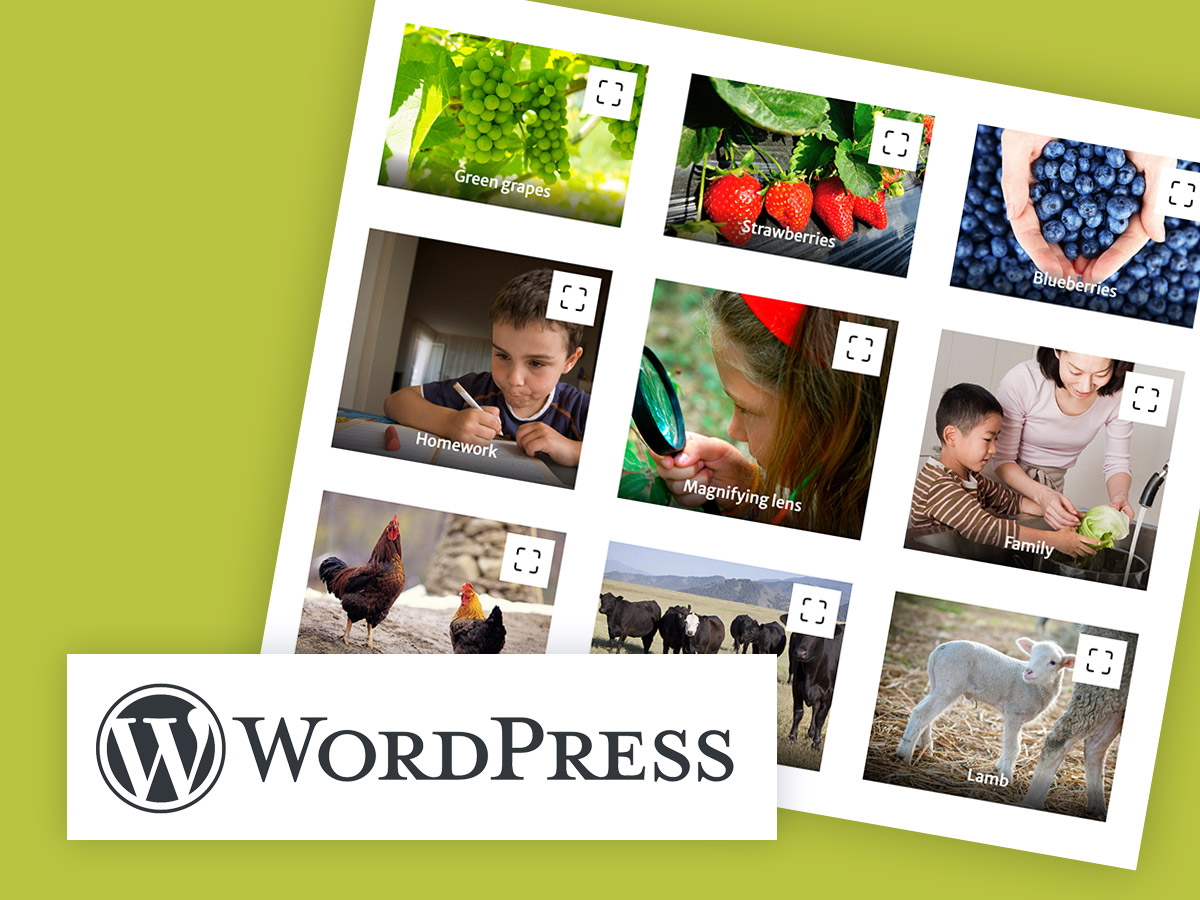
A gallery is a great way to showcase multiple images at once. The best part is that when the user clicks on one of the images, it uses a lightbox to display a larger version of the image or video.
Posted in: WordPress -
Attention CAES content managers: It’s important to stay up-to-date on web accessibility best practices! In this article, we’ll provide additional tips specific to WordPress that will help you ensure your website is accessible to all users.
-
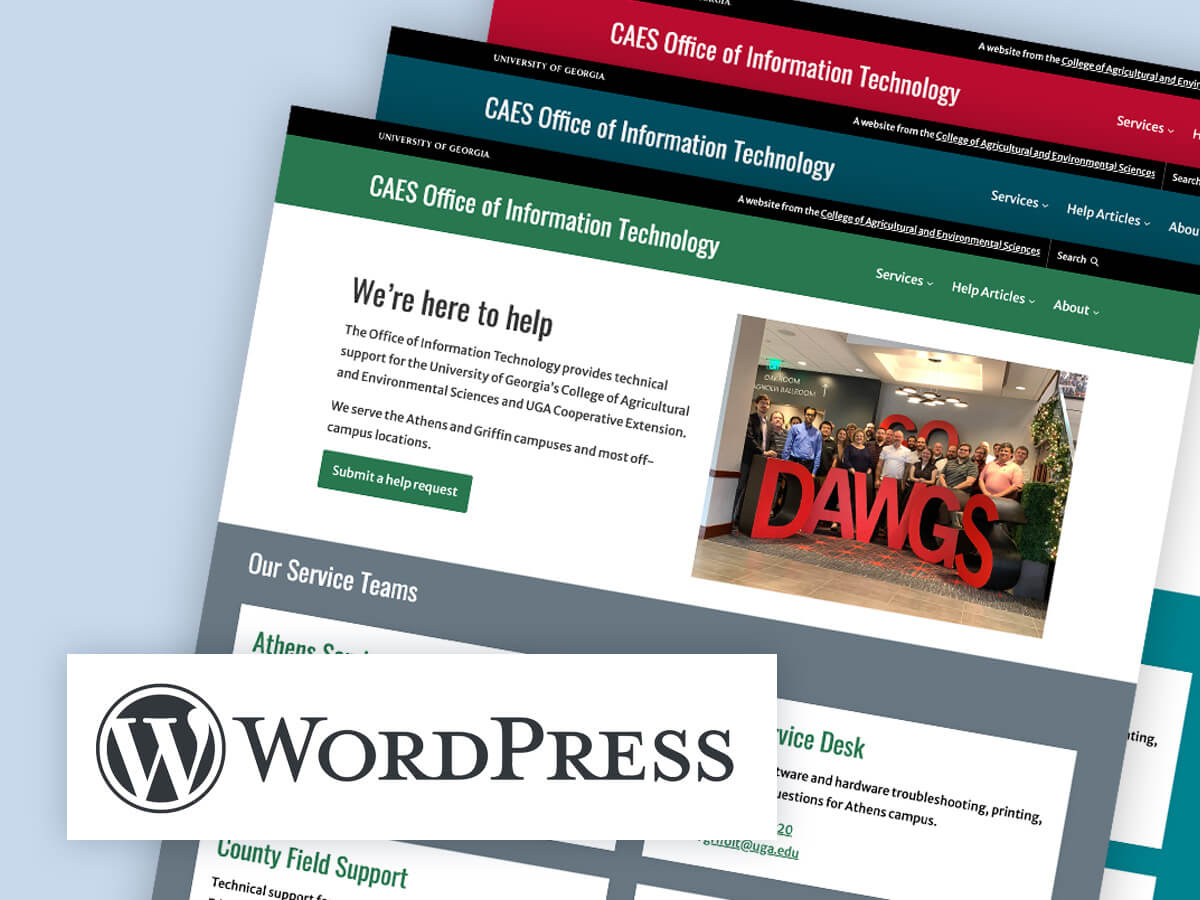
With WordPress’ Site Editor, updating the color scheme of your site has never been easier. In this article, we’ll discuss how use the pre-defined styles in the CAES Faculty 2023 theme to update your CAES or Extension site’s color scheme.
-

You’ve written an article for your blog and now it’s time to pull it all together in Wordpress. Follow this 10-step activity to publish a professional and polished blog post. Learn how to customize your summary text and add a featured image.
-

What is Web Accessibility? Web accessibility refers to the inclusive practice of making websites usable by people of all abilities and disabilities. When web pages are correctly designed, all users can have equal access to the information on them.
-

Patterns are a predefined collection of blocks that you can easily insert into your WordPress posts and pages. They help you jumpstart the design process.
Posted in: WordPress -
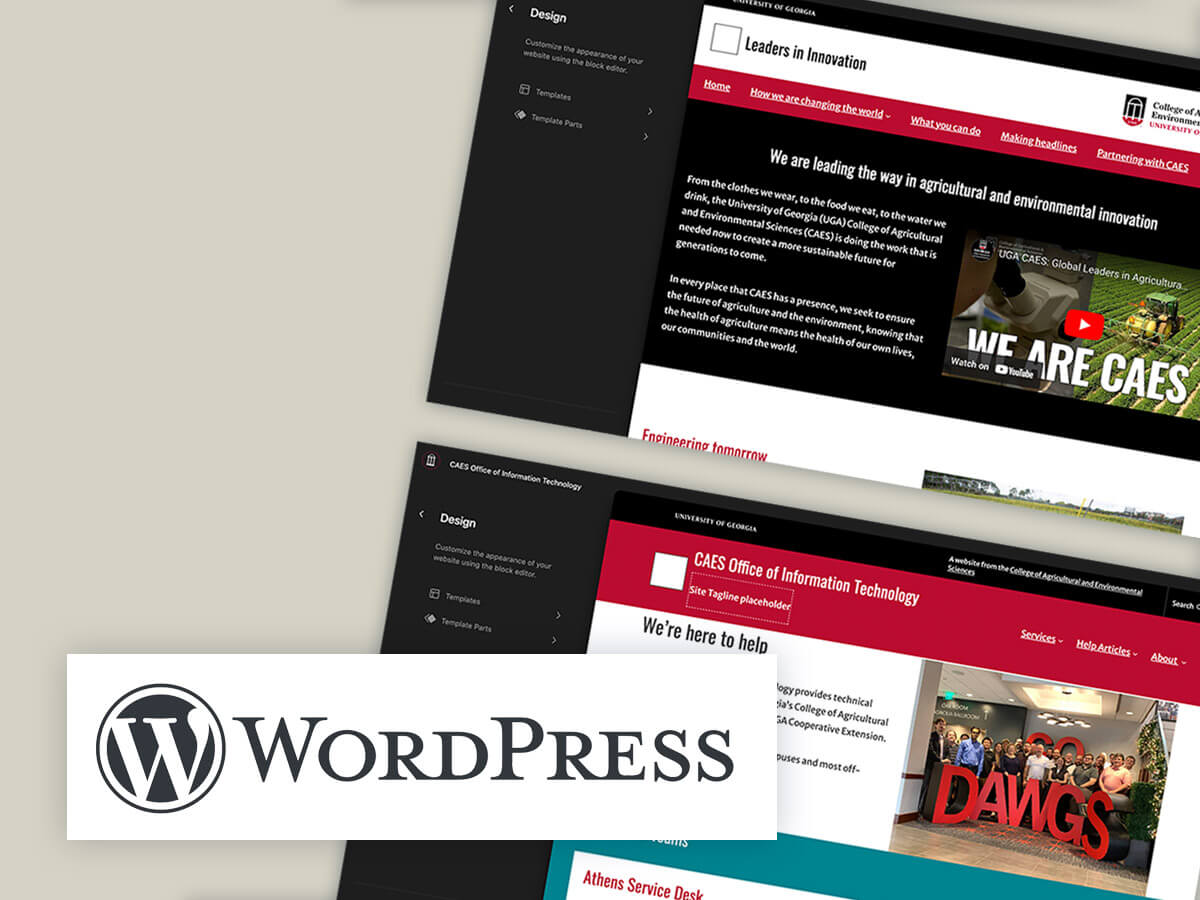
The Site Editor in WordPress is a visual editing tool that allows you to make changes to your website theme’s appearance. In this article, we will explore how to use the Site Editor to customize the site Header, Footer, and Sidebar of your CAES or Extension WordPress site.
-
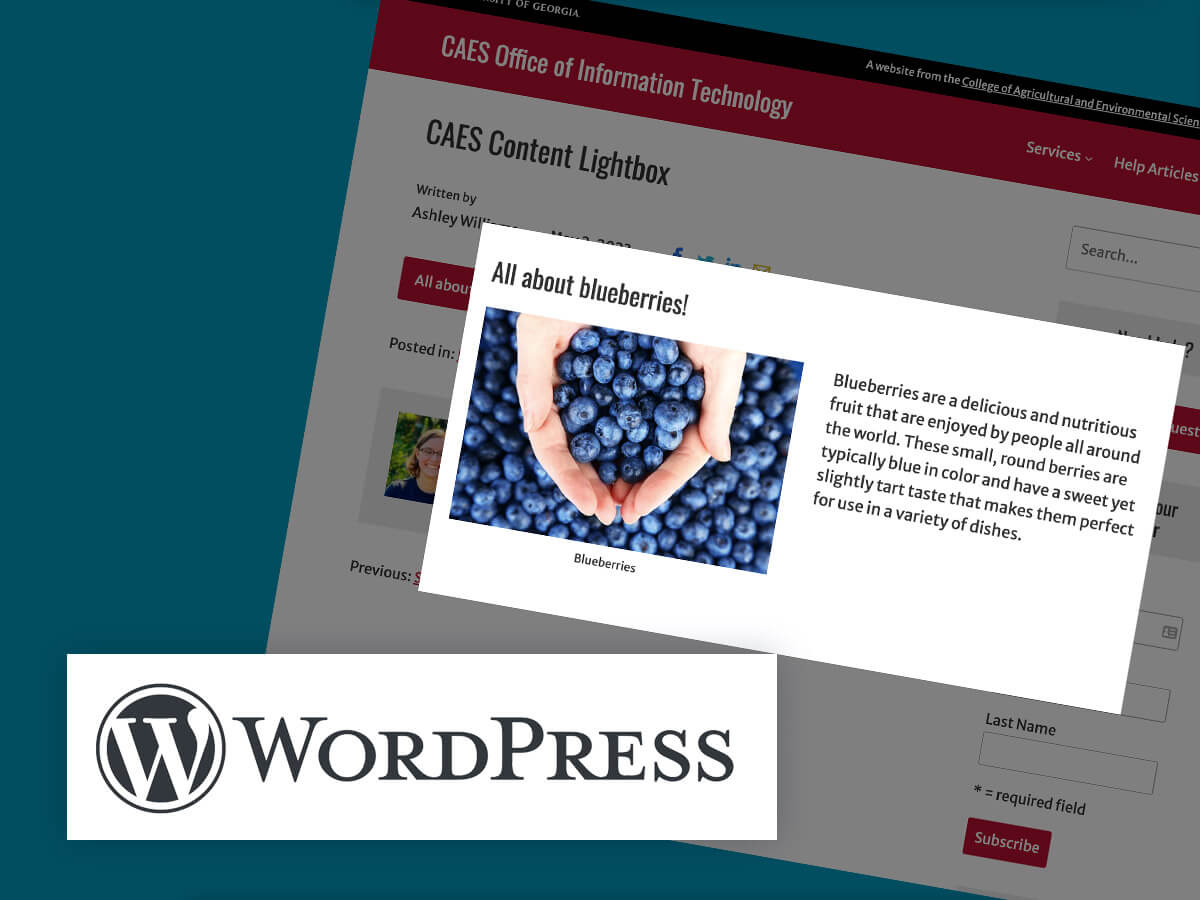
The CAES Content Lightbox block is a WordPress block that adds a pop-up lightbox to your pages or posts. With this block, you can easily add any type of content, such as text, images, or videos, to a pop-up that appears when the user clicks on a button or link.
Posted in: WordPress -

Have a big event to promote? Then you need an eye-catching event page! Learn how to list your event on the UGA Extension calendar with step-by-step instructions.
Posted in: Best Practices -
In this three part series, you will learn how to create accessible PDF documents that can be accessed and read by people with disabilities. In this introduction, we will go over what PDF accessibility is, why it’s important, and an overview of the steps to make a PDF accessible. What is PDF accessibility? PDF accessibility…