Web Content Management
Practical advice, tips, and tools for CAES and Extension web content managers. Browse this page or select one of our categories.
-

Images are an important part of a good website. They help tell your story, attract attention and make content easier to understand. But large image files can slow down your website and create a frustrating experience for visitors—especially on mobile devices. The goal isn’t simply to make images smaller. The goal is to use the…
-
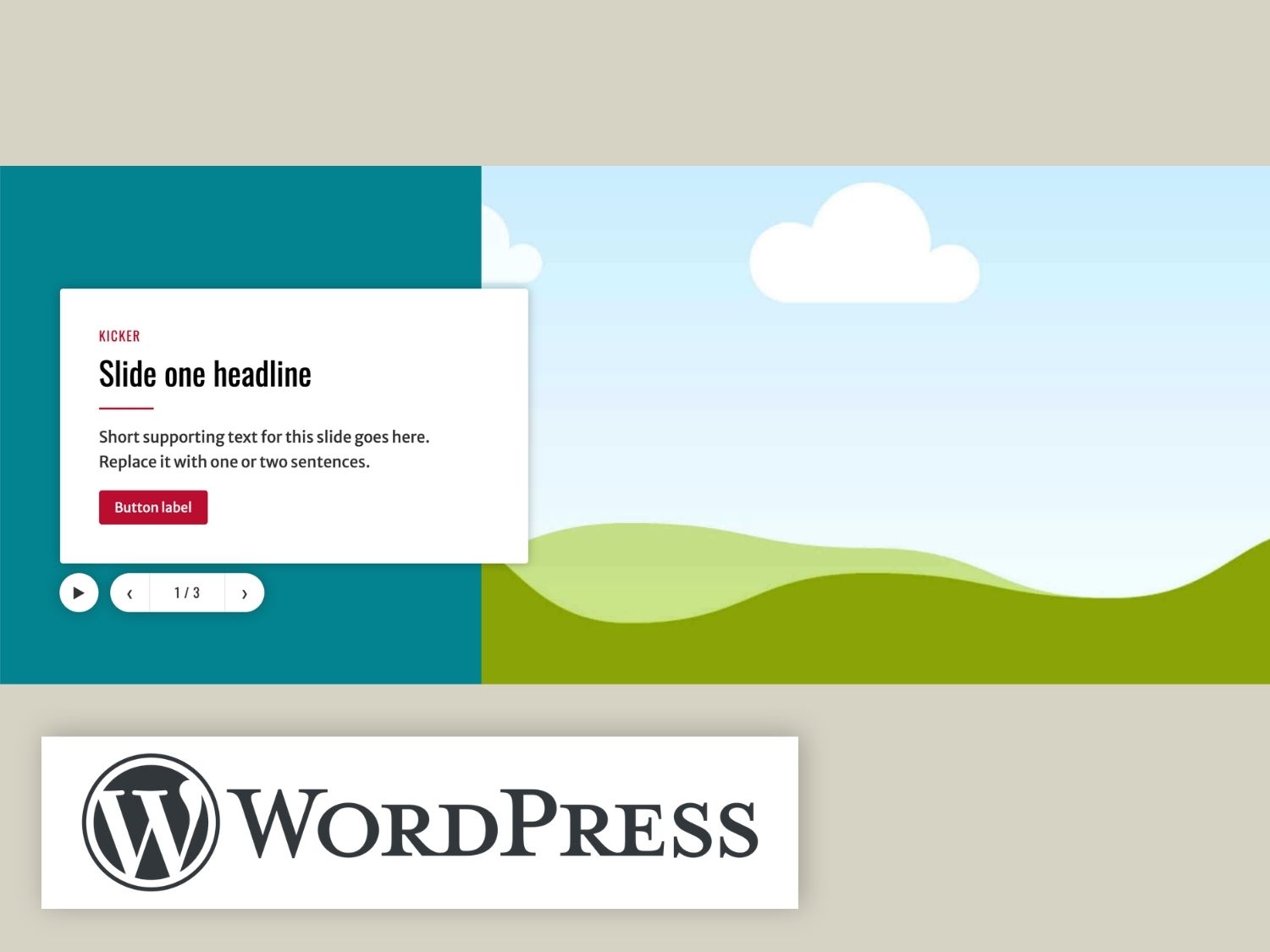
The CAES Hero block builds the large feature area you usually see at the top of a page. It uses a headline, a short piece of text, a photo, and up to two links per slide.
Posted in: WordPress -
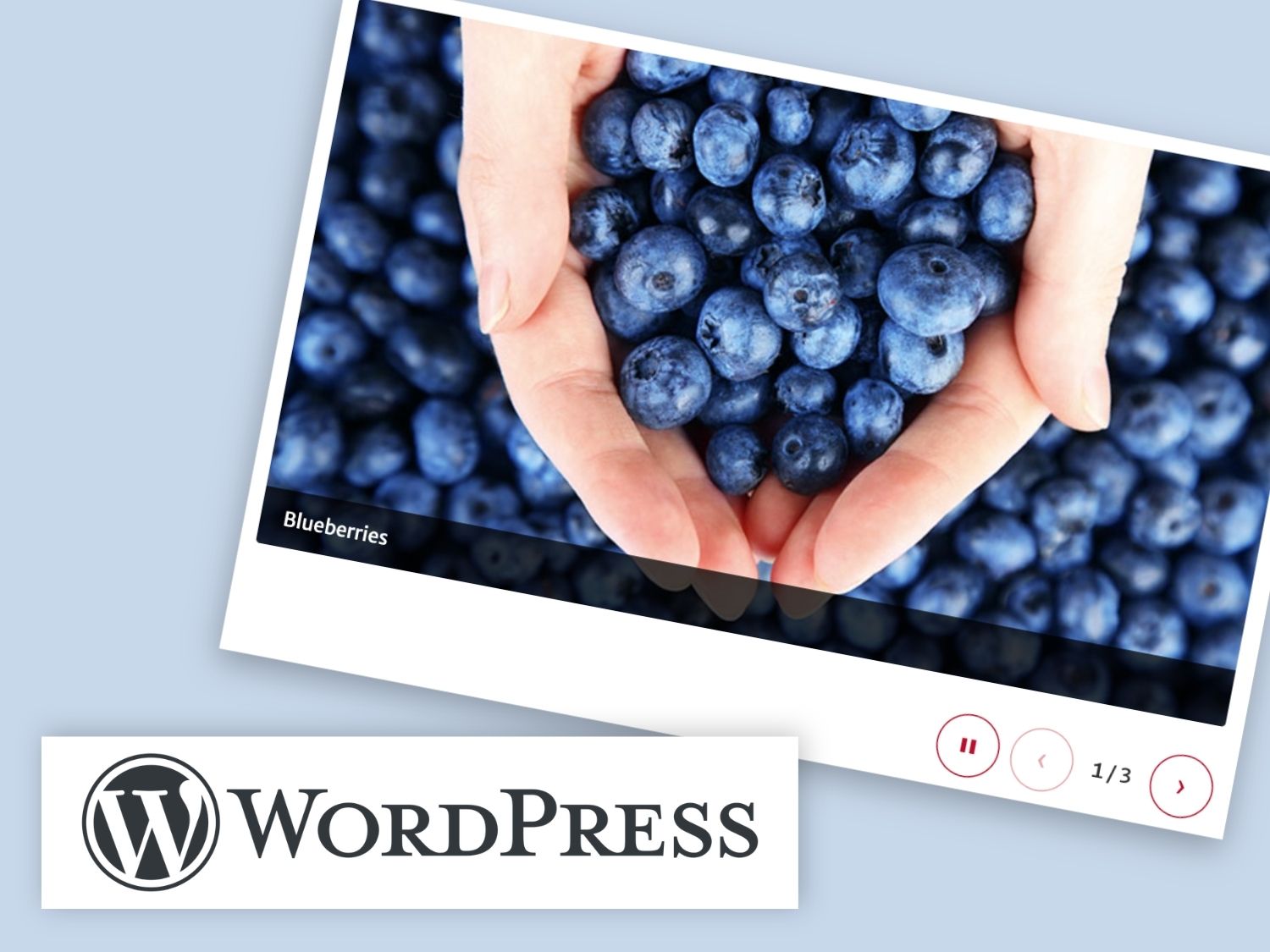
The CAES Slideshow block shows a row of photos that visitors can scroll through, with optional captions. It is designed for photo slideshows where the pictures are the focus.
Posted in: WordPress -
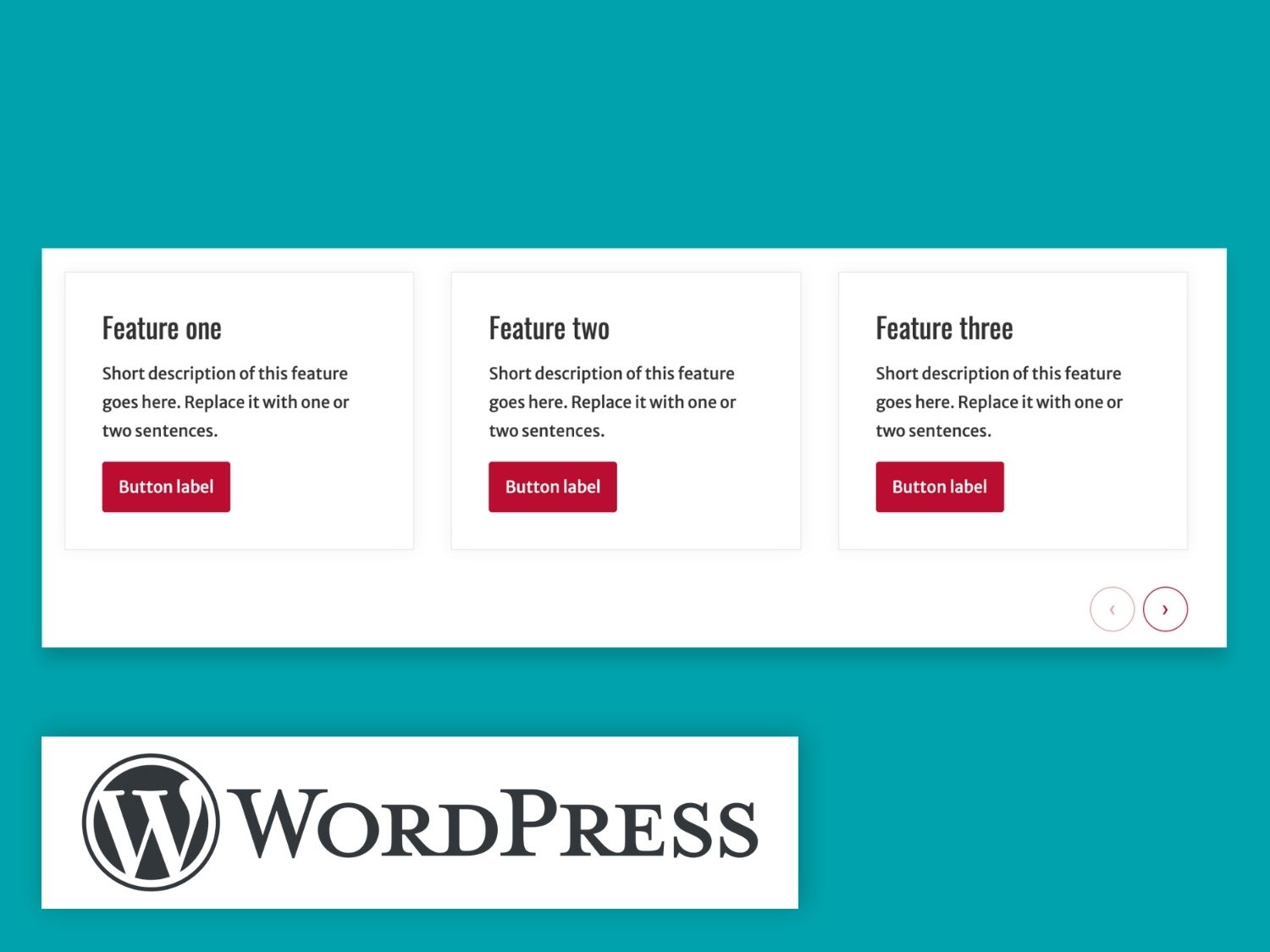
The CAES Card Carousel block shows a row of cards that visitors can scroll through sideways.
Posted in: WordPress -
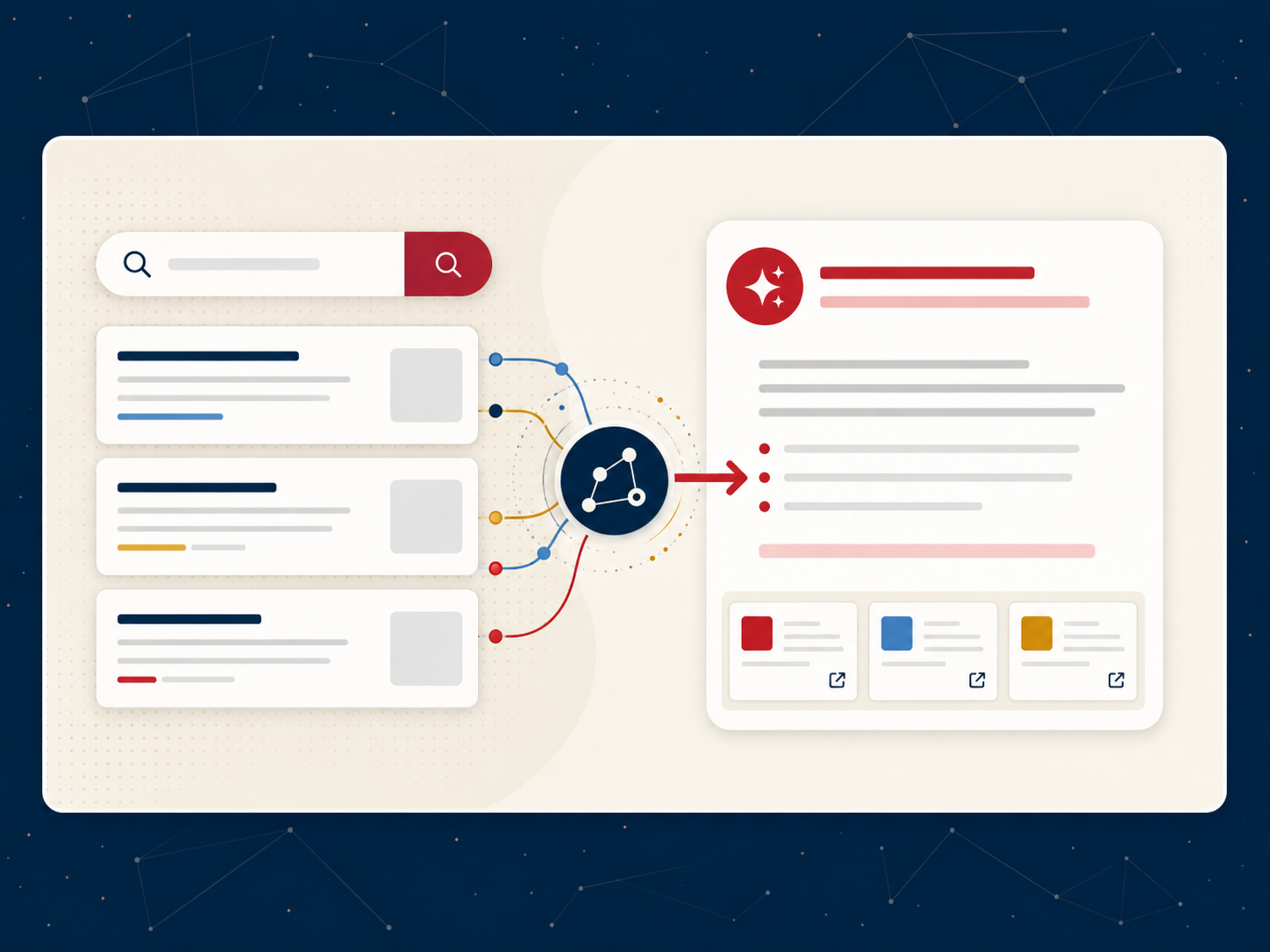
For years, online search followed a familiar pattern: type a question, scan a list of links, choose a website and look for the answer. Today, that experience is changing. Search platforms increasingly generate a response directly on the results page, often drawing from several sources. Google calls these summaries AI Overviews.
-

DubBot is the tool CAES content mangers use to monitor and address accessibility issues on their websites. It’s a powerful tool with a wide range of analytical capabilities, which can cause some initial confusion when trying to understand the results on a site’s dashboard. In this article we will discuss what parts of the dashboard…
-
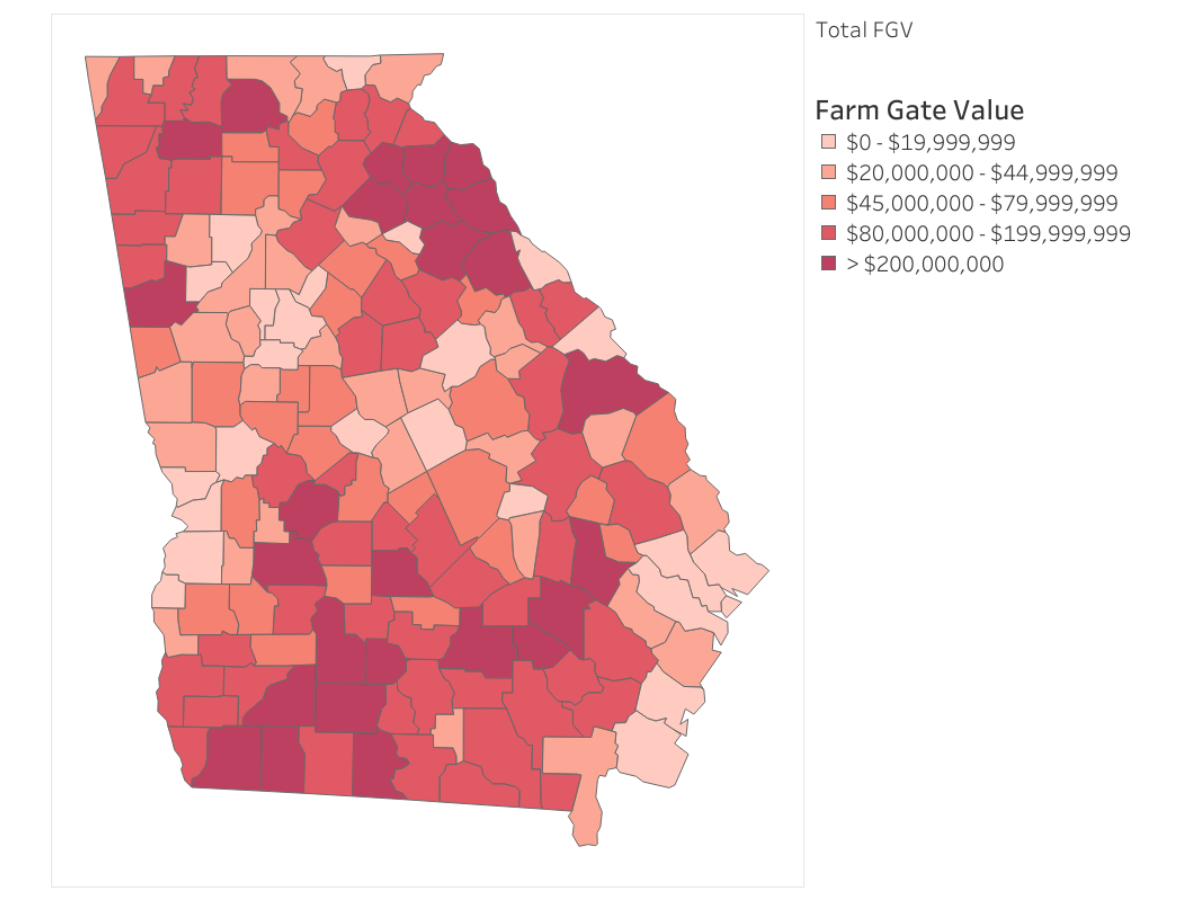
Maps are a common way to communicate statewide impact, but they often rely entirely on visual interpretation. This case study highlights how a Georgia county heat map image was updated to meet accessibility requirements under WCAG 2.1 and ADA Title II.
Posted in: Accessibility -
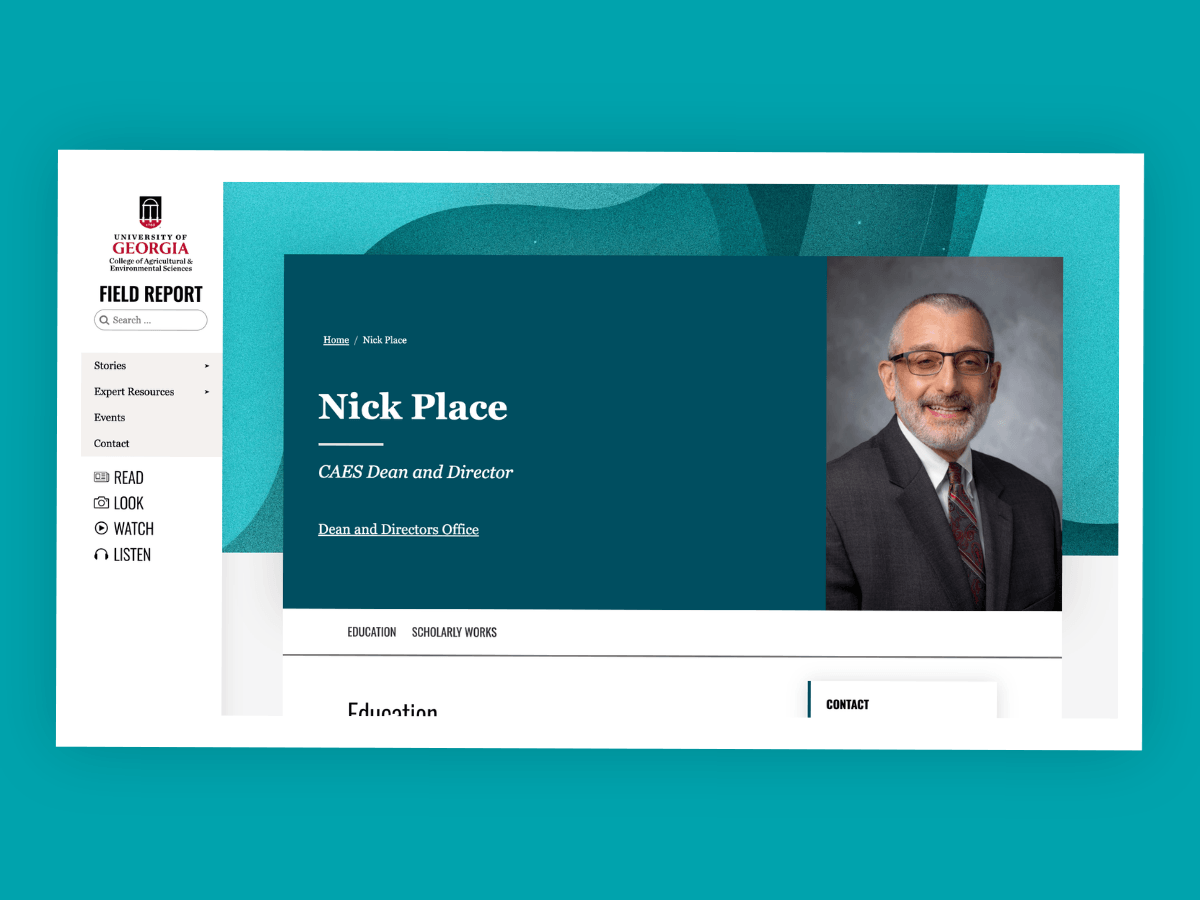
Personnel profile pages help faculty, staff and the public find contact information, learn about expertise and connect with CAES employees. Currently, CAES uses three types of personnel profile pages, each serving a different purpose and drawing information from different data sources.
-
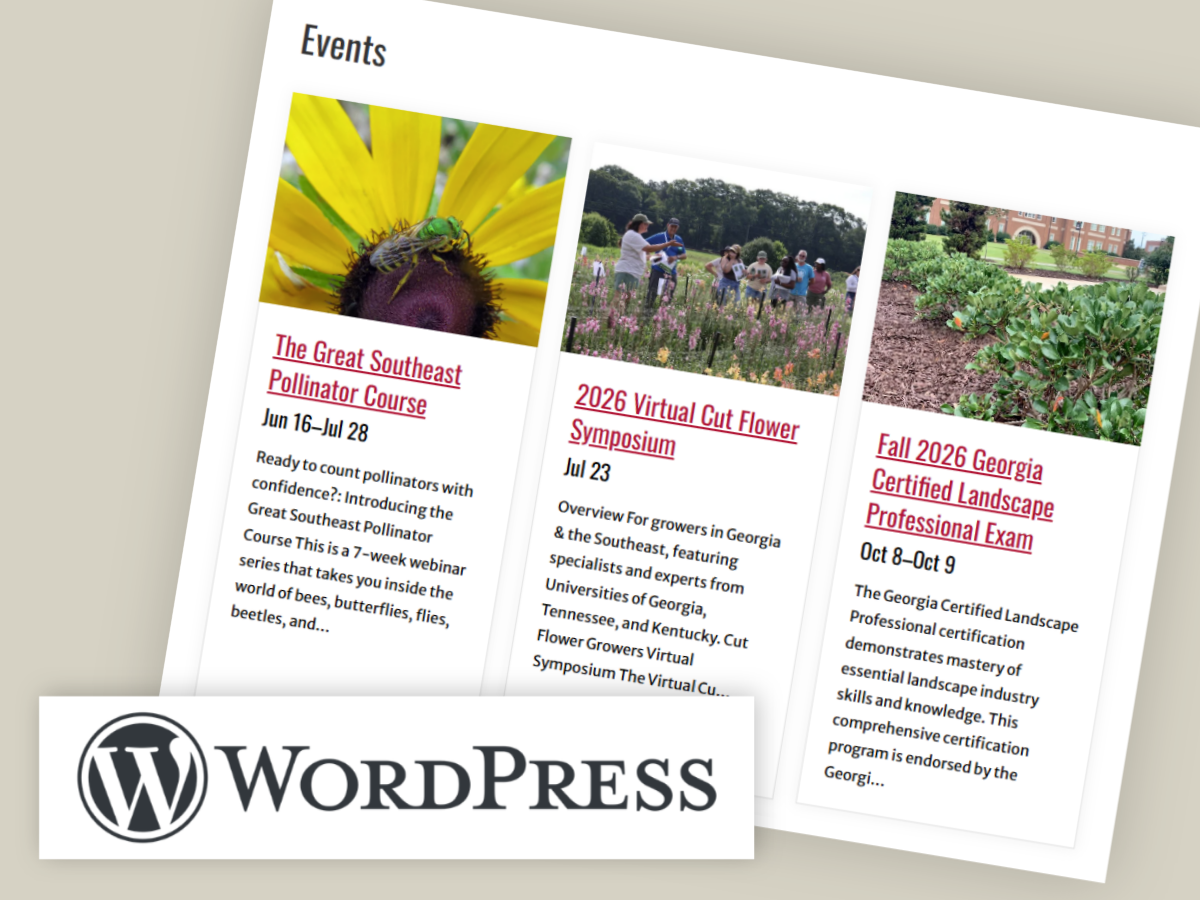
Keeping event information current is an important part of maintaining your website. Learn how to use the CAES Events block to display events on your site.
Posted in: WordPress -

The effort to make our digital content more accessible is underway. Let’s take a look at some steps to follow to figure out what content should be prioritized as a starting point for your remediation efforts.
Posted in: Accessibility