WordPress
OIT’s articles provide tools and guidance to help you create engaging, consistent pages using WordPress. Explore the available CAES Blocks and step-by-step how-tos to get the most from your CAES website.
-
Attention CAES content managers: It’s important to stay up-to-date on web accessibility best practices! In this article, we’ll provide additional tips specific to WordPress that will help you ensure your website is accessible to all users.
-
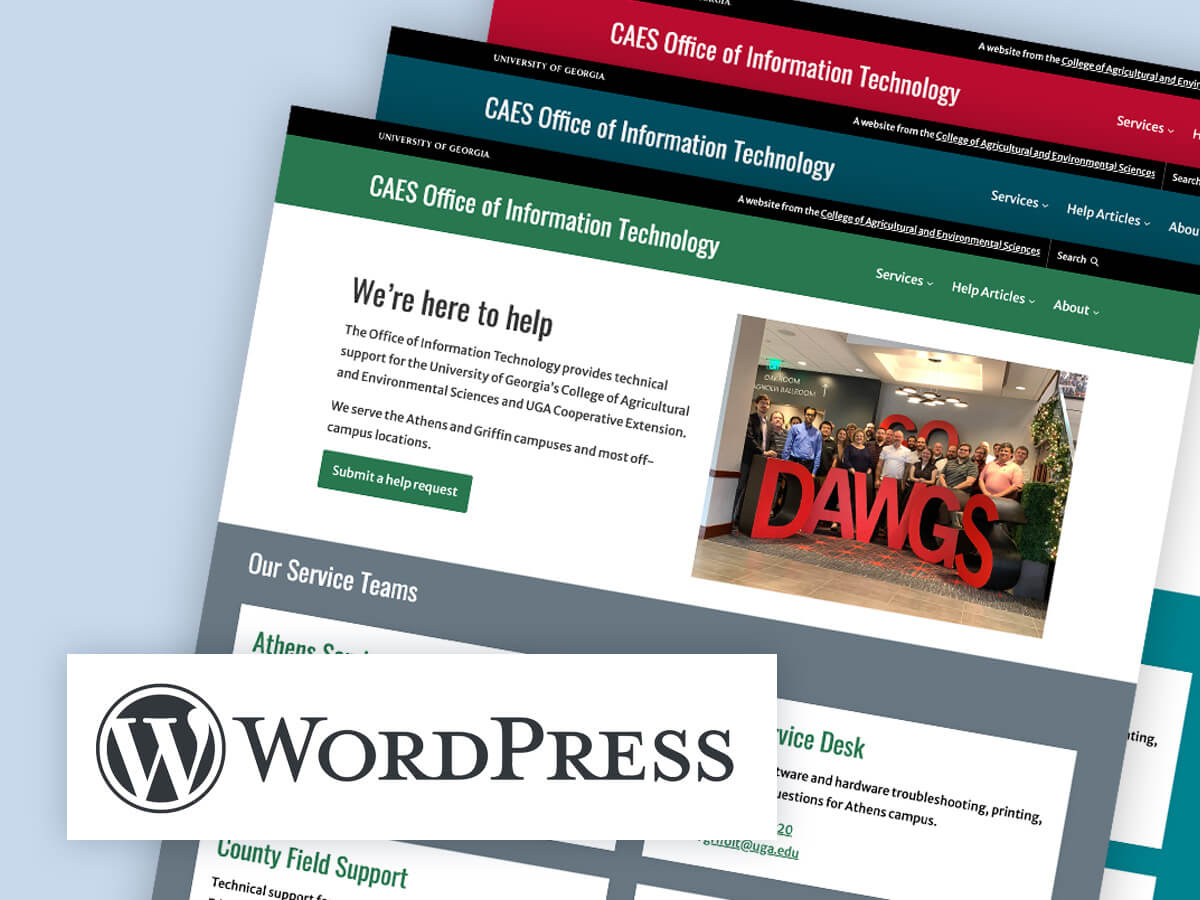
With WordPress’ Site Editor, updating the color scheme of your site has never been easier. In this article, we’ll discuss how use the pre-defined styles in the CAES Faculty 2023 theme to update your CAES or Extension site’s color scheme.
-

You’ve written an article for your blog and now it’s time to pull it all together in Wordpress. Follow this 10-step activity to publish a professional and polished blog post. Learn how to customize your summary text and add a featured image.
-

Patterns are a predefined collection of blocks that you can easily insert into your WordPress posts and pages. They help you jumpstart the design process.
Posted in: WordPress -
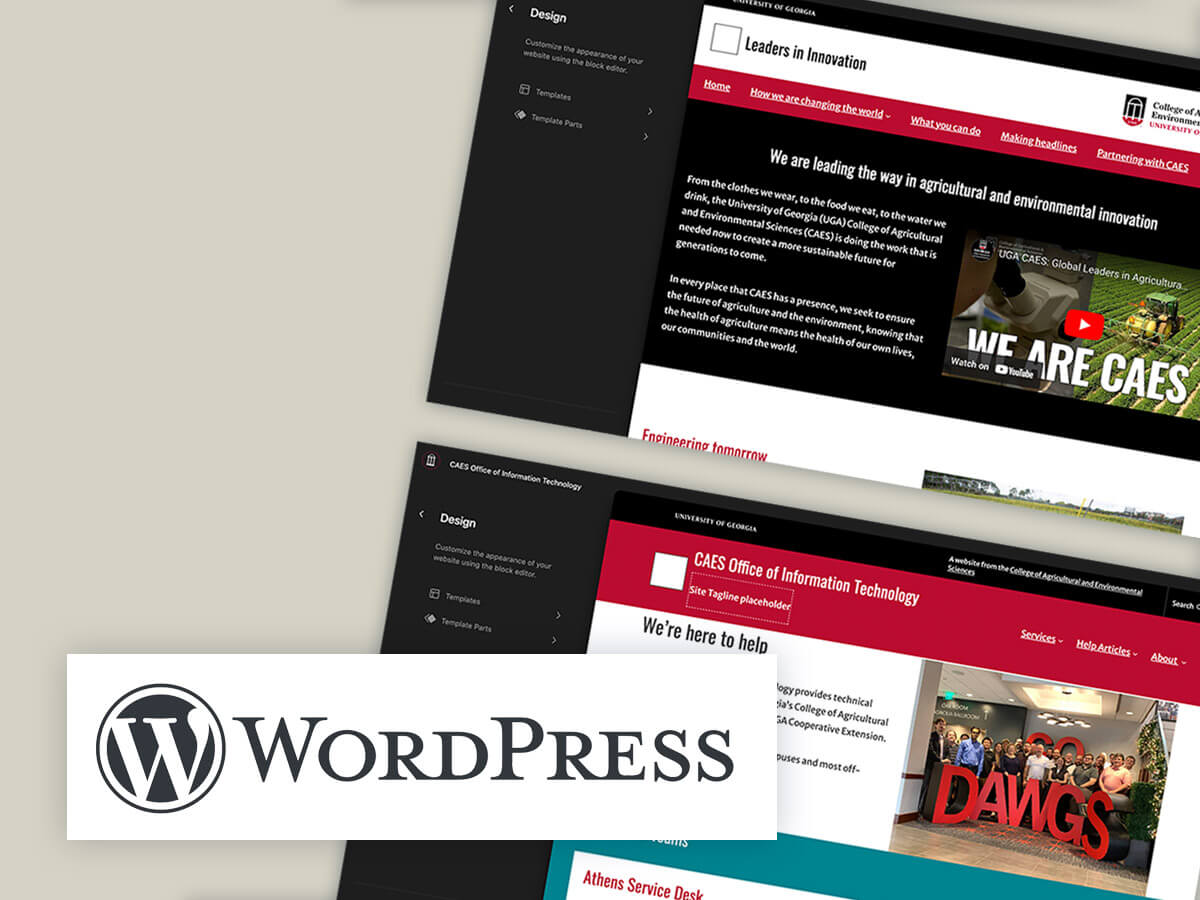
The Site Editor in WordPress is a visual editing tool that allows you to make changes to your website theme’s appearance. In this article, we will explore how to use the Site Editor to customize the site Header, Footer, and Sidebar of your CAES or Extension WordPress site.
-
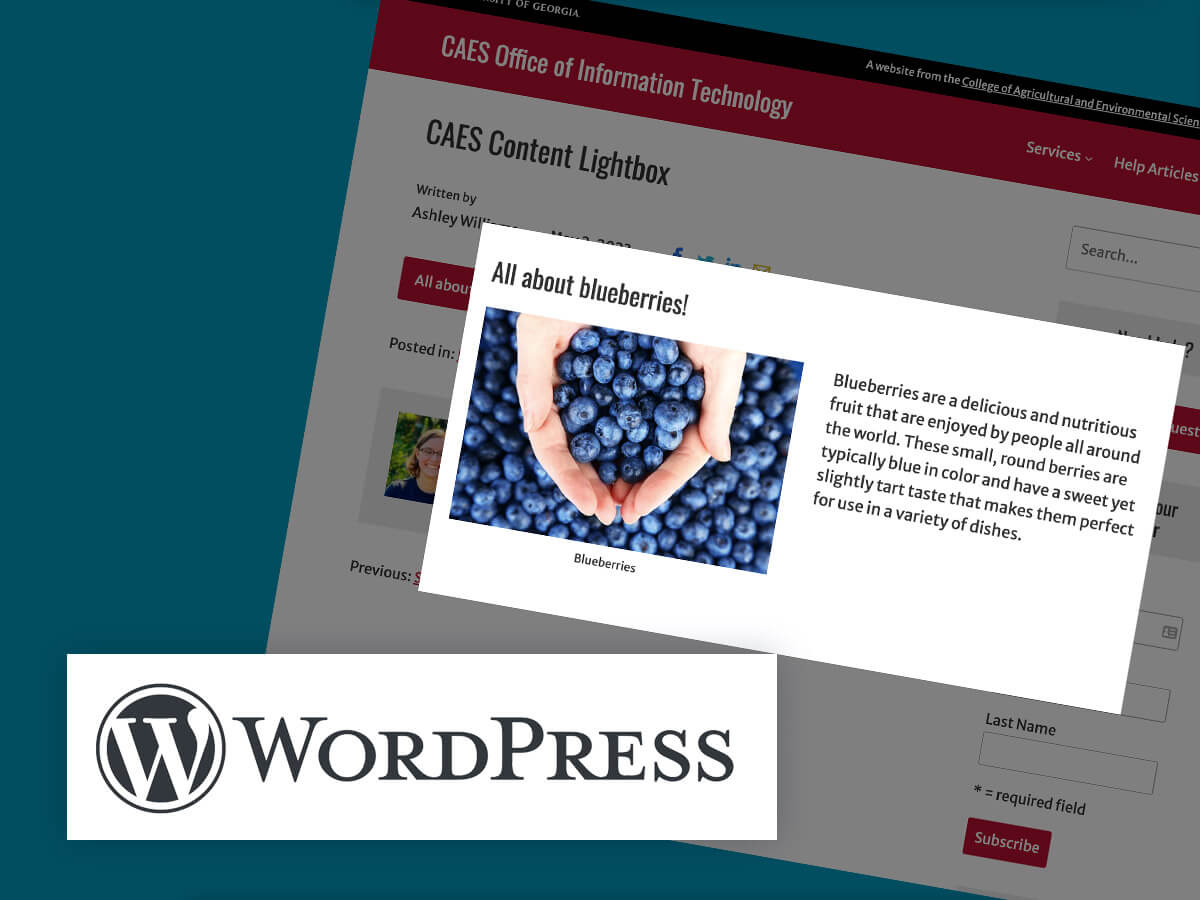
The CAES Content Lightbox block is a WordPress block that adds a pop-up lightbox to your pages or posts. With this block, you can easily add any type of content, such as text, images, or videos, to a pop-up that appears when the user clicks on a button or link.
Posted in: WordPress -
CAES and Extension site content managers: now you can add fade-in animations to your WordPress sites! These effects happen when the visitor scrolls down, and are recommended for landing type pages that make use of the no-sidebar page template. Demo Check out the video demo to see the scroll effects in action. Where should you…
-

This article contains instructions for creating links to PDF documents from WordPress websites and is intended for CAES and Extension content managers. We highly recommend accessibility materials produced by WebAIM: PDF Accessibility with Acrobat, PDF Accessibility with FoxitPro, and the Accessible Documents Course. In this article: Web pages vs. PDFs This article contains instructions for…
-
On April 22nd we’re launching a re-organization of the Cooperative Extension section of our Intranet. CAES Intranet content managers will be able to access and edit their content again beginning on Friday, April 23. With editing access opening up later this week, now is a great time for intranet content managers to review the editing…
-
Columns are a great way to set up different layouts on your page or posts. They allow you to place content side-by-side on the page. They may remind you of tables, a really old way of doing the same thing. Unlike tables though, Columns are responsive and accessible. At first setting up Columns may seem…
Posted in: WordPress