CAES Blocks for WordPress
CAES Blocks are custom WordPress blocks developed by the CAES Office of Information Technology to make it easier to create engaging, consistent page layouts. Explore the available blocks below to see what each one does and how to use it on your CAES website.
-
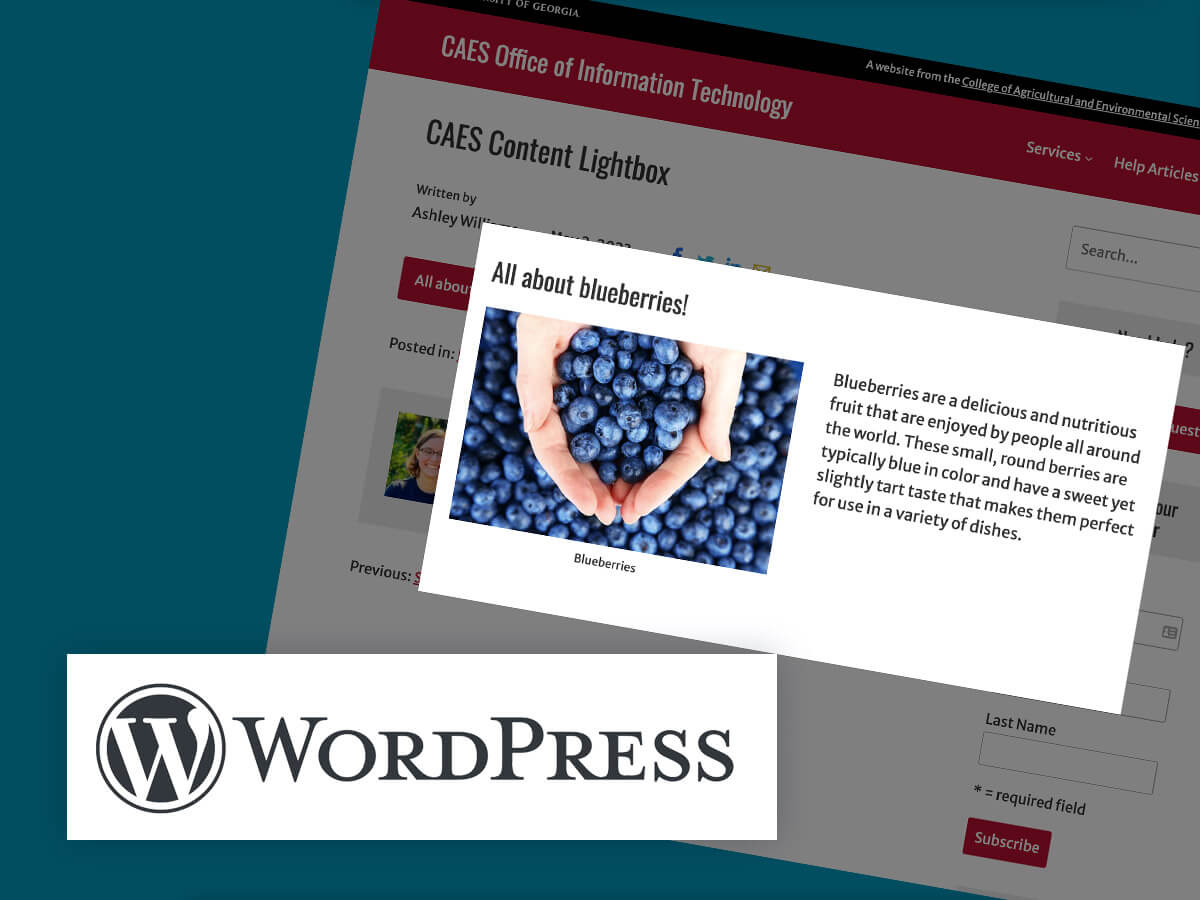
The CAES Content Lightbox block is a WordPress block that adds a pop-up lightbox to your pages or posts. With this block, you can easily add any type of content, such as text, images, or videos, to a pop-up that appears when the user clicks on a button or link.
Posted in: WordPress -
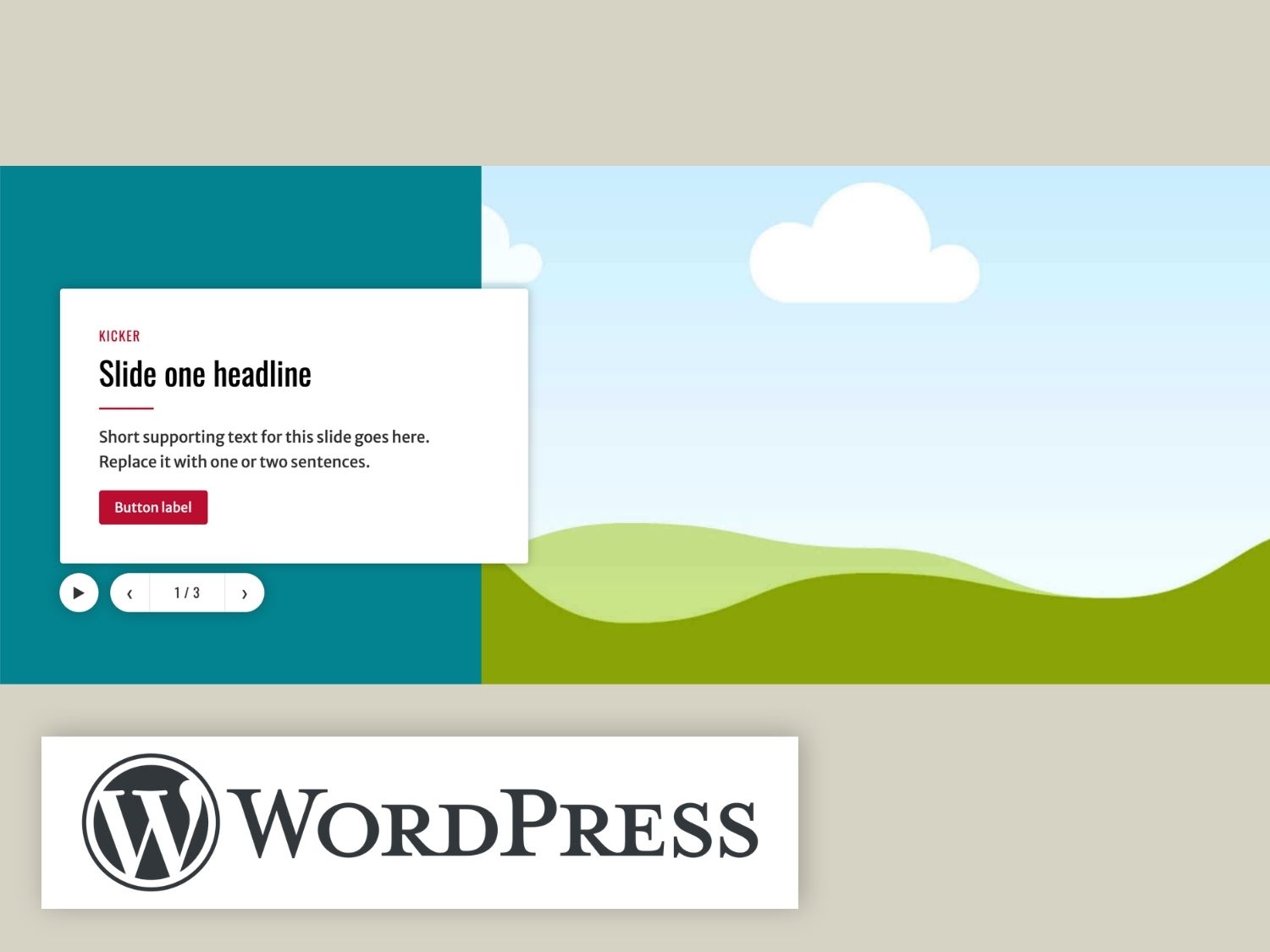
The CAES Hero block builds the large feature area you usually see at the top of a page. It uses a headline, a short piece of text, a photo, and up to two links per slide.
Posted in: WordPress -
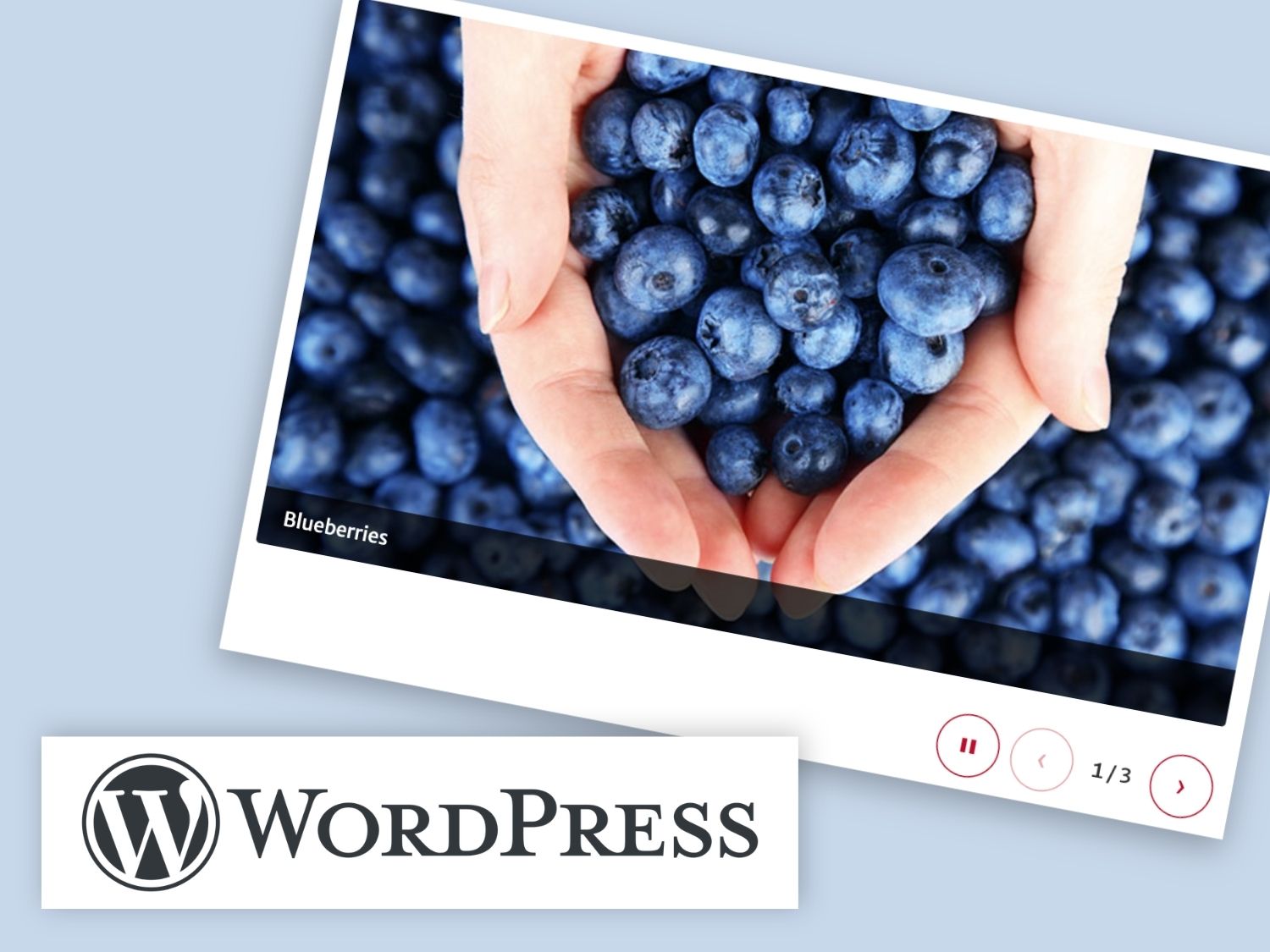
The CAES Slideshow block shows a row of photos that visitors can scroll through, with optional captions. It is designed for photo slideshows where the pictures are the focus.
Posted in: WordPress -
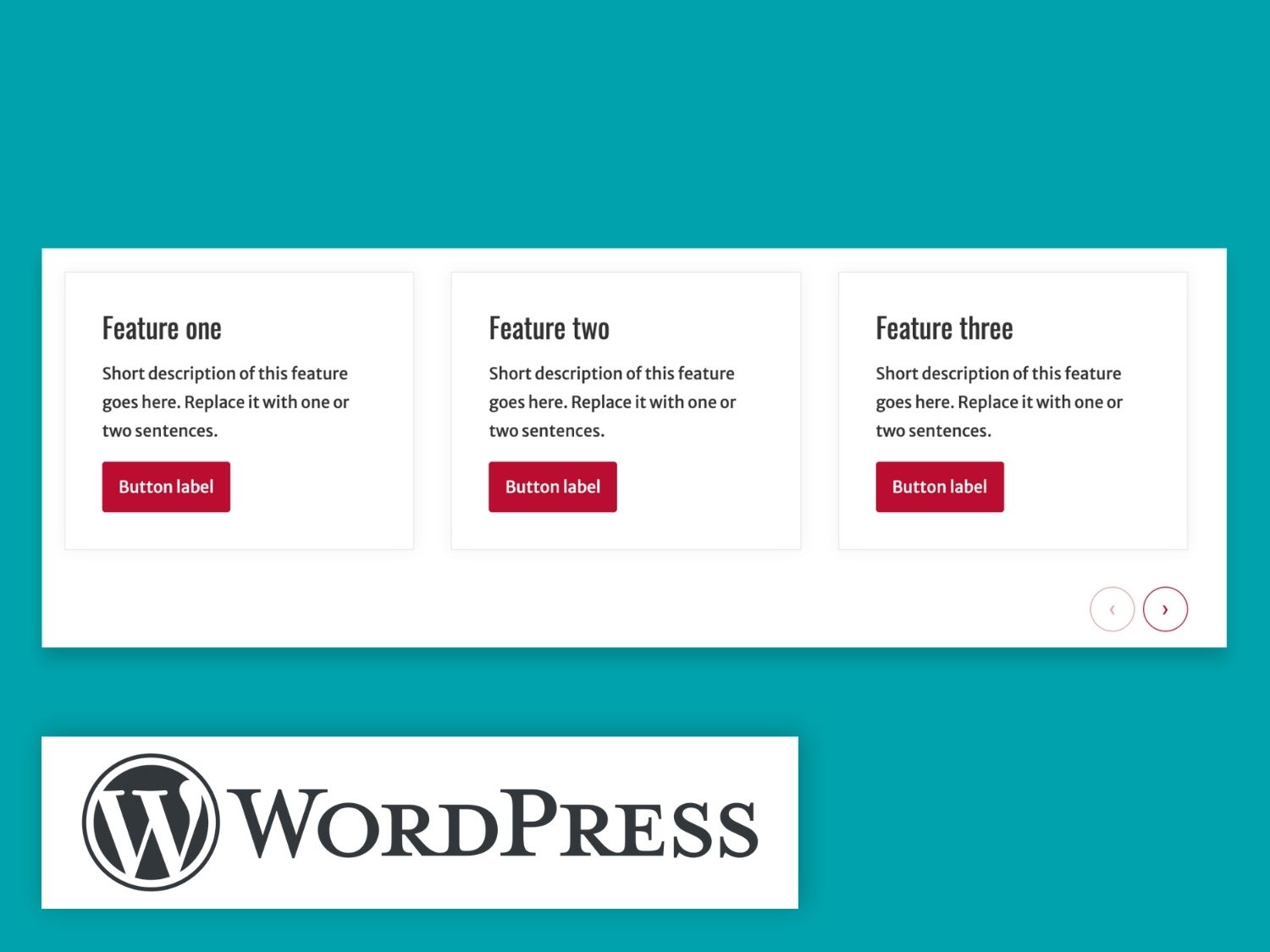
The CAES Card Carousel block shows a row of cards that visitors can scroll through sideways.
Posted in: WordPress -
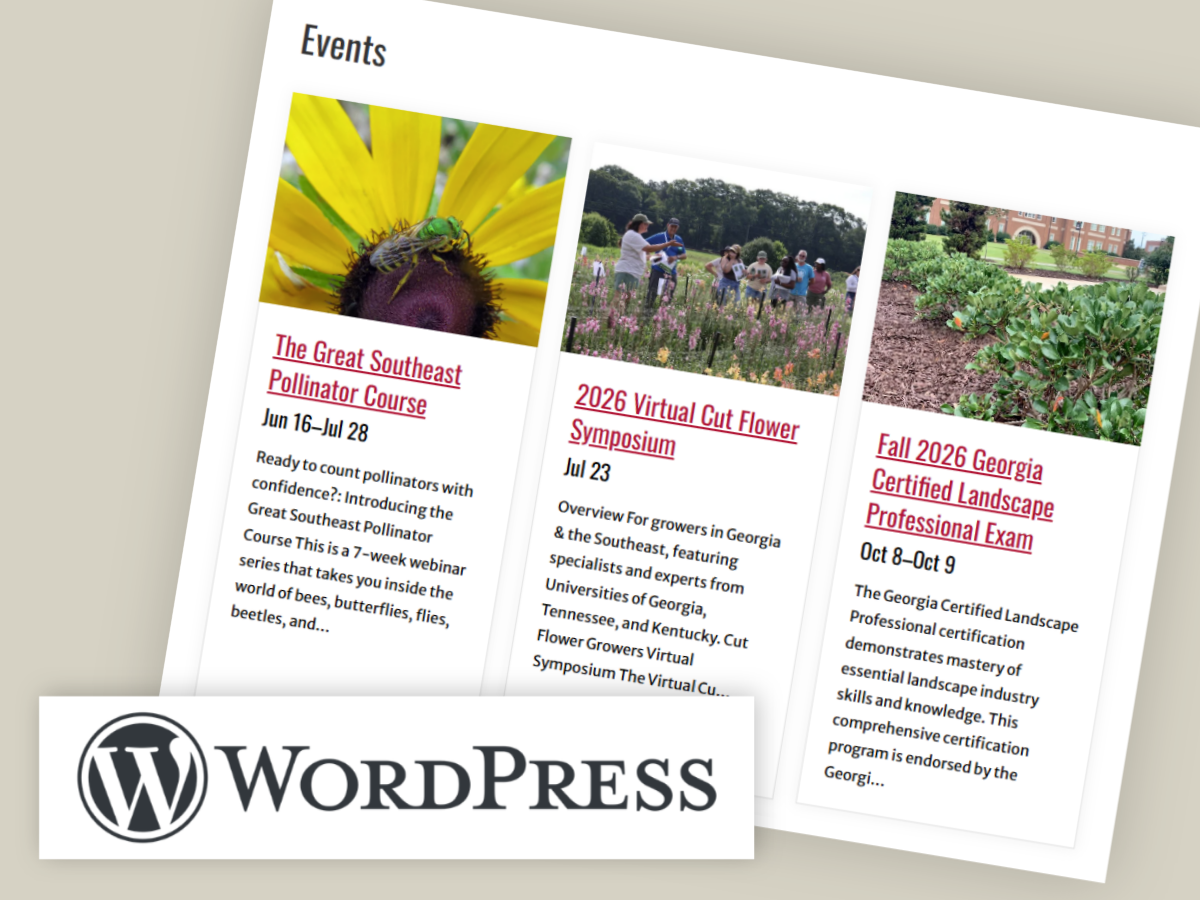
Keeping event information current is an important part of maintaining your website. Learn how to use the CAES Events block to display events on your site.
Posted in: WordPress -
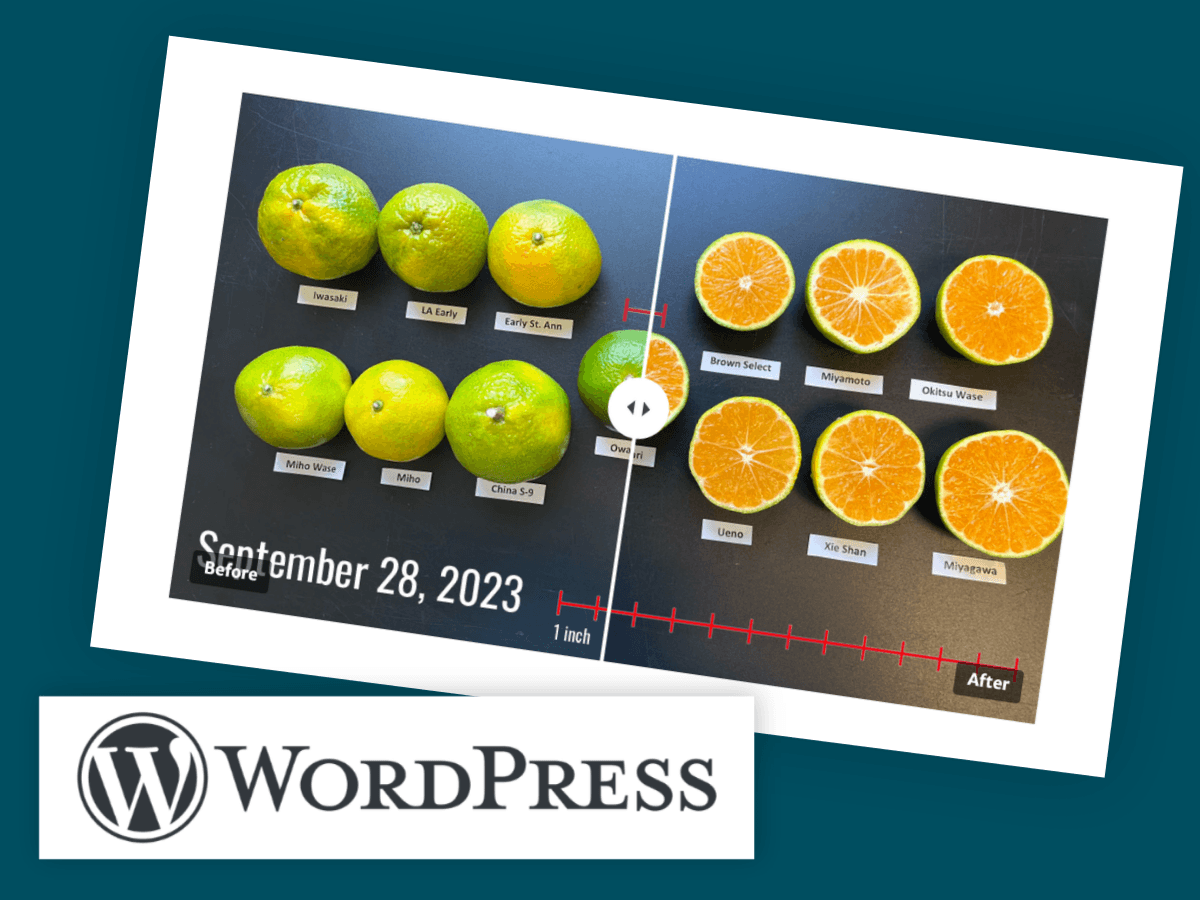
The CAES Before-After Slider lets you stack two images and compare them with a divider that visitors can drag. As they slide the divider left and right, one image is revealed and the other is hidden. It works well for showing change over time or comparing a treatment to a control.
Posted in: WordPress -
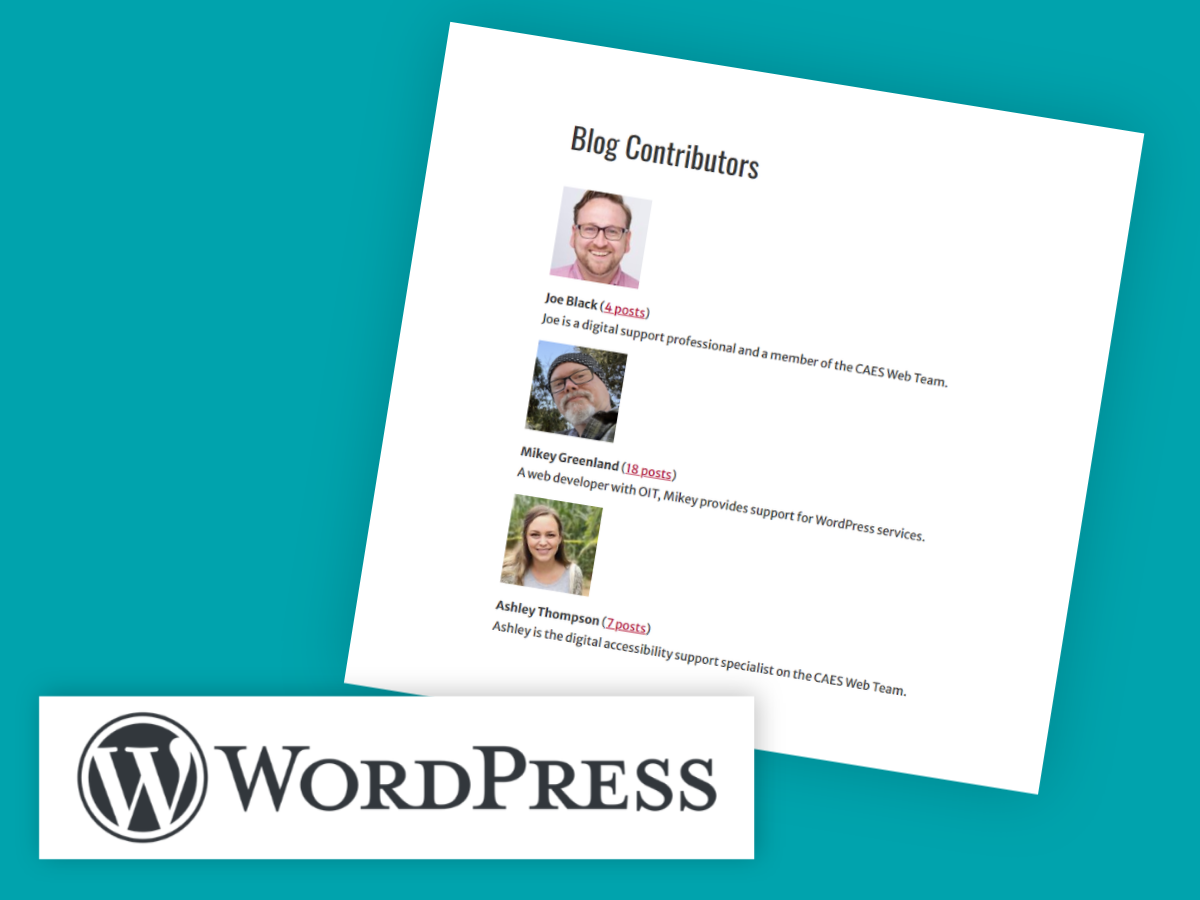
If you have several users who have published one or more posts on your WordPress site, you can include a list of contributors. The list shows each user’s biographical info (a profile description) and an image if the user has set up their profile in WordPress.
Posted in: WordPress -
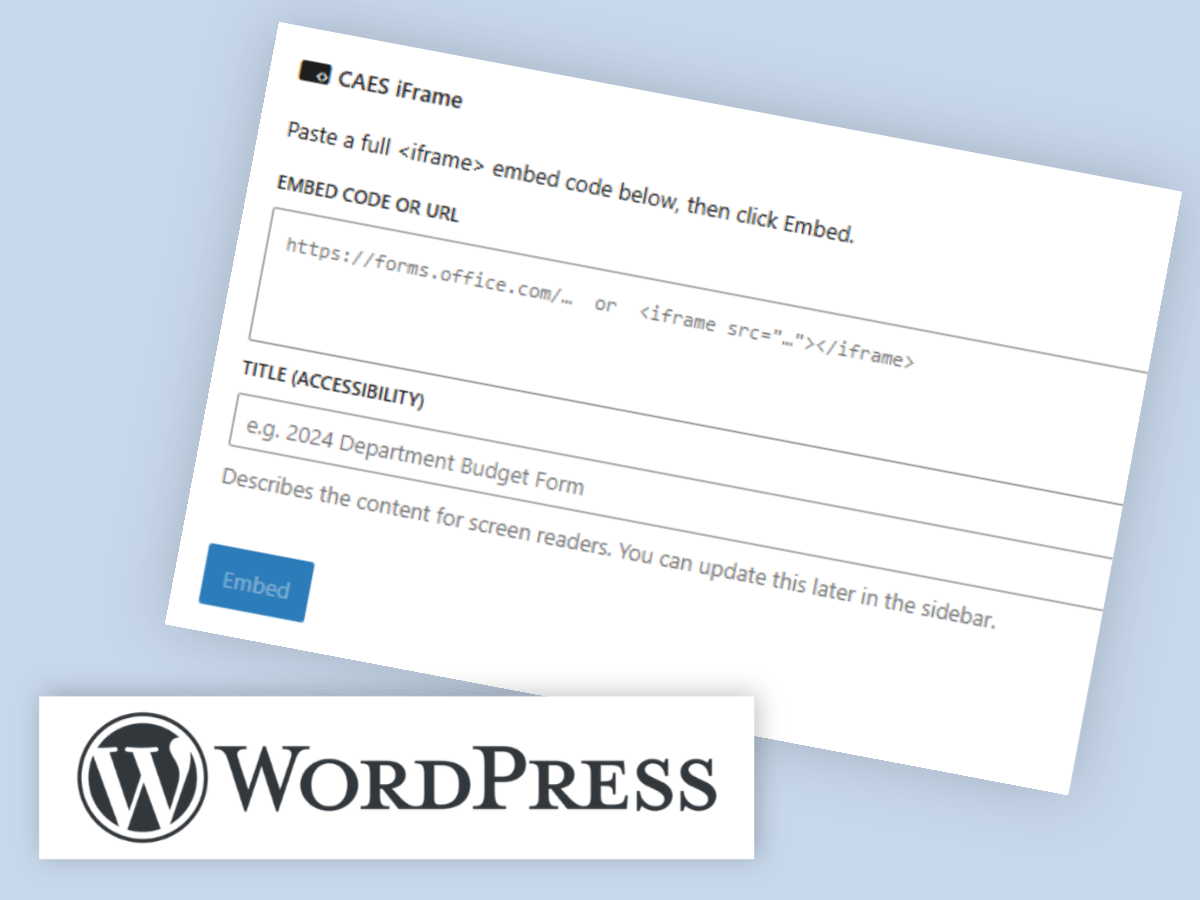
Sometimes it’s useful to embed a map, form, calendar, or survey directly in your WordPress website. We’ve made this easier than ever with the new CAES iFrame block.
Posted in: WordPress -

Creating a well-organized Table of Contents (TOC) can enhance the readability and navigation of your longer WordPress posts and pages. The CAES Table of Contents block allows you to easily add a TOC to your posts based on the headings you specify.
Posted in: WordPress -

Patterns are a predefined collection of blocks that you can easily insert into your WordPress posts and pages. They help you jumpstart the design process.
Posted in: WordPress