Help Articles
Browse our help articles for helpful resources and how-to documentation from the Office of Information Technology.
-

DubBot is the tool CAES content mangers use to monitor and address accessibility issues on their websites. It’s a powerful tool with a wide range of analytical capabilities, which can cause some initial confusion when trying to understand the results on a site’s dashboard. In this article we will discuss what parts of the dashboard…
-
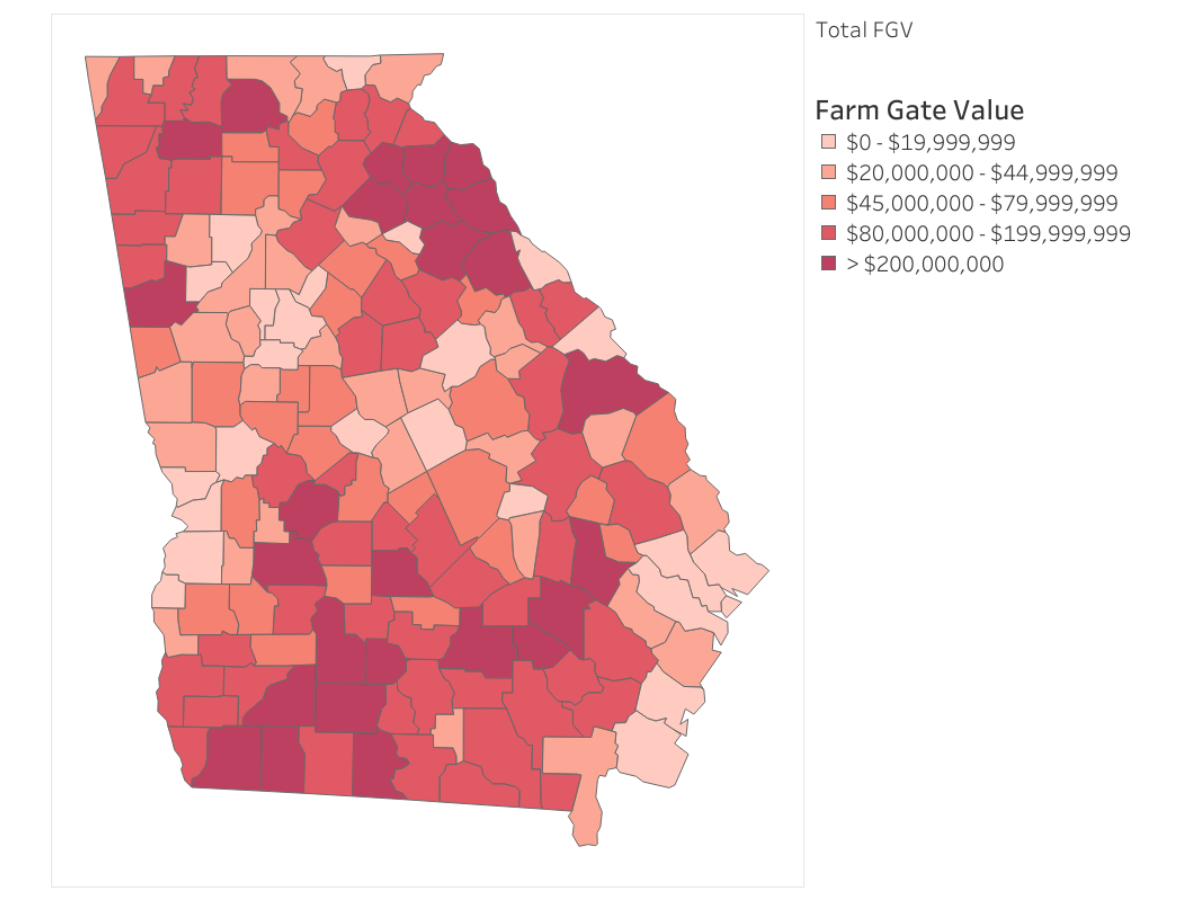
Maps are a common way to communicate statewide impact, but they often rely entirely on visual interpretation. This case study highlights how a Georgia county heat map image was updated to meet accessibility requirements under WCAG 2.1 and ADA Title II.
Posted in: Accessibility -
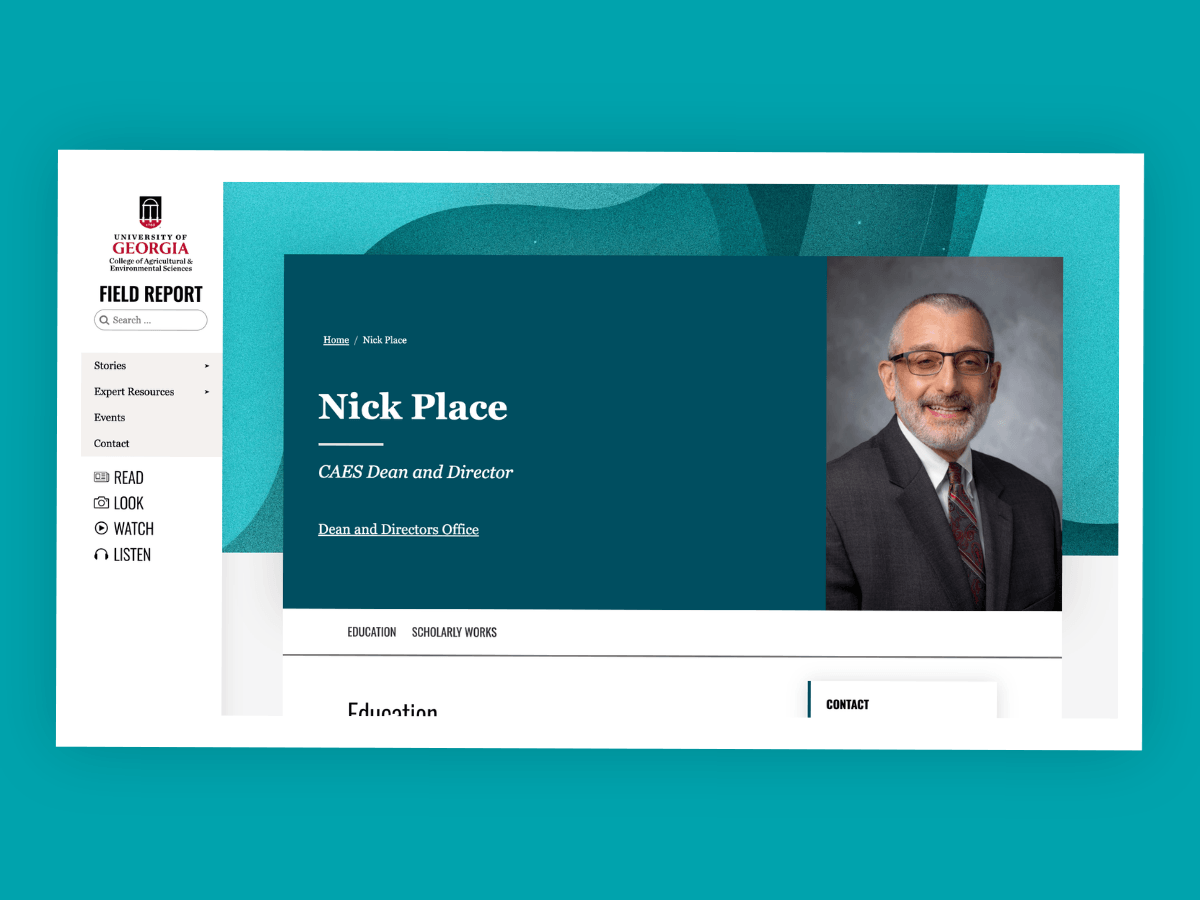
Personnel profile pages help faculty, staff and the public find contact information, learn about expertise and connect with CAES employees. Currently, CAES uses three types of personnel profile pages, each serving a different purpose and drawing information from different data sources.
-
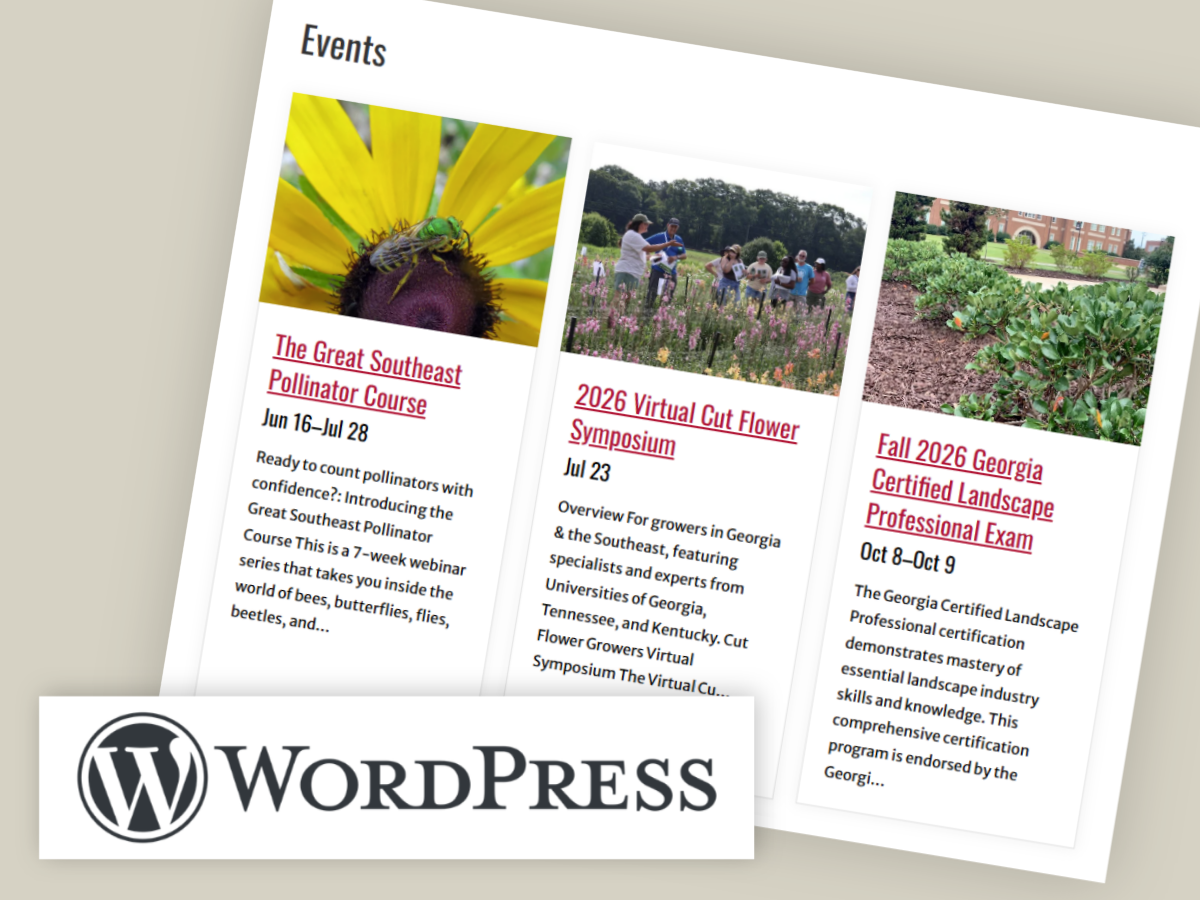
Keeping event information current is an important part of maintaining your website. Learn how to use the CAES Events block to display events on your site.
Posted in: WordPress -

The effort to make our digital content more accessible is underway. Let’s take a look at some steps to follow to figure out what content should be prioritized as a starting point for your remediation efforts.
Posted in: Accessibility -

Because it’s federal law that our digital content be accessible to individuals with disabilities, the Office of Information Technology has created training courses and webinars to help you implement necessary changes in your digital communications.
-
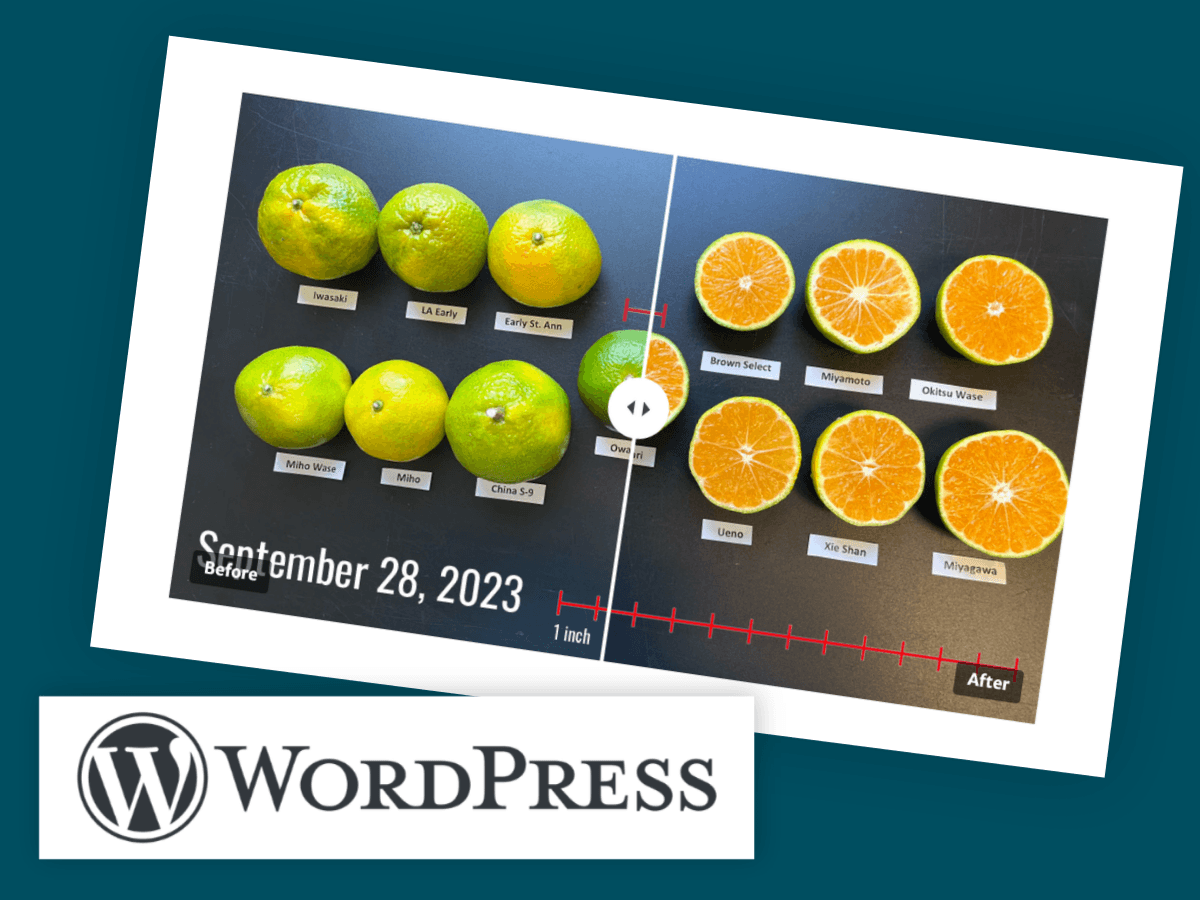
The CAES Before-After Slider lets you stack two images and compare them with a divider that visitors can drag. As they slide the divider left and right, one image is revealed and the other is hidden. It works well for showing change over time or comparing a treatment to a control.
Posted in: WordPress -
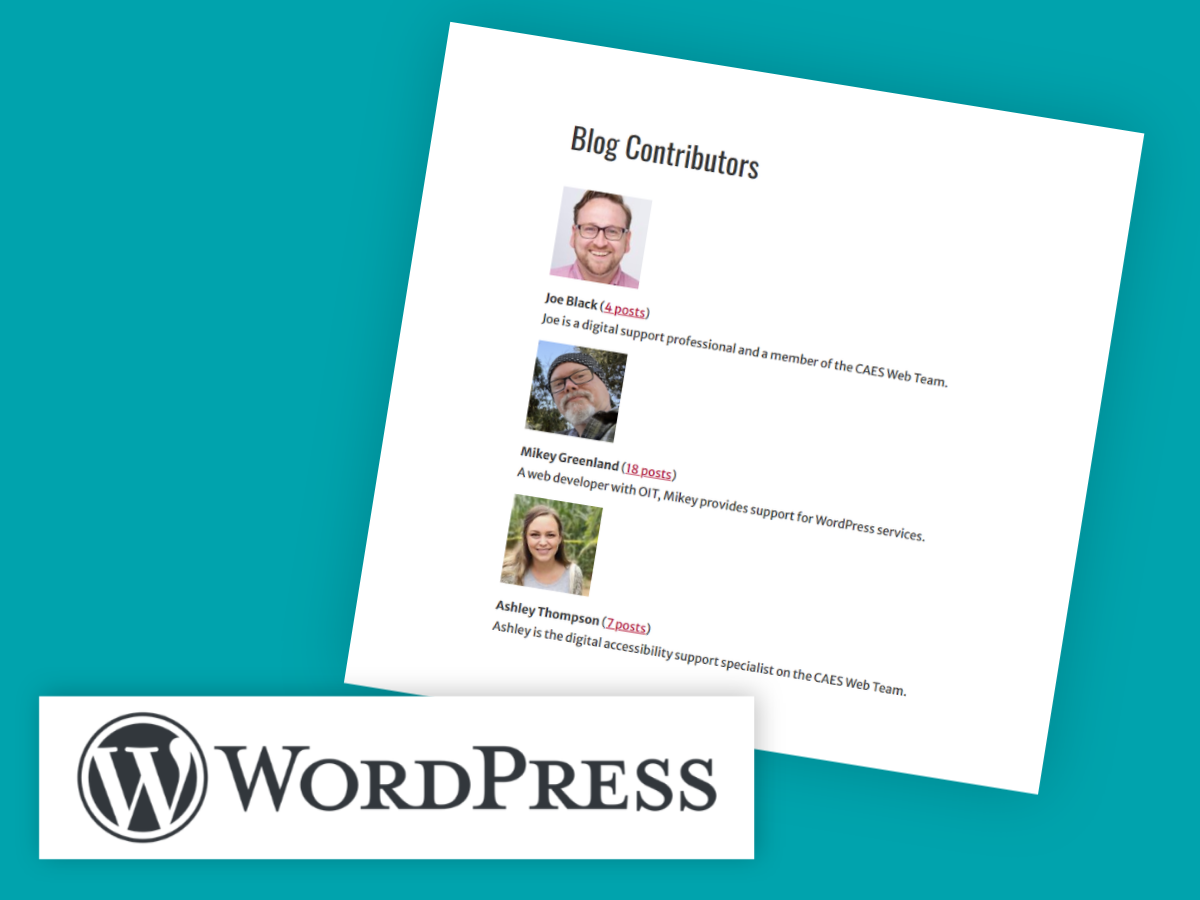
If you have several users who have published one or more posts on your WordPress site, you can include a list of contributors. The list shows each user’s biographical info (a profile description) and an image if the user has set up their profile in WordPress.
Posted in: WordPress -

Members of your OIT team recently had the opportunity to attend the National Extension Technology Community’s (NETC) annual conference in Gainesville, FL. This provided an opportunity to receive additional training, network with other Extension professionals, and collaborate on the problems facing the Extension community nation wide. One of the most popular events is the gadgets…
Posted in: Help Articles -
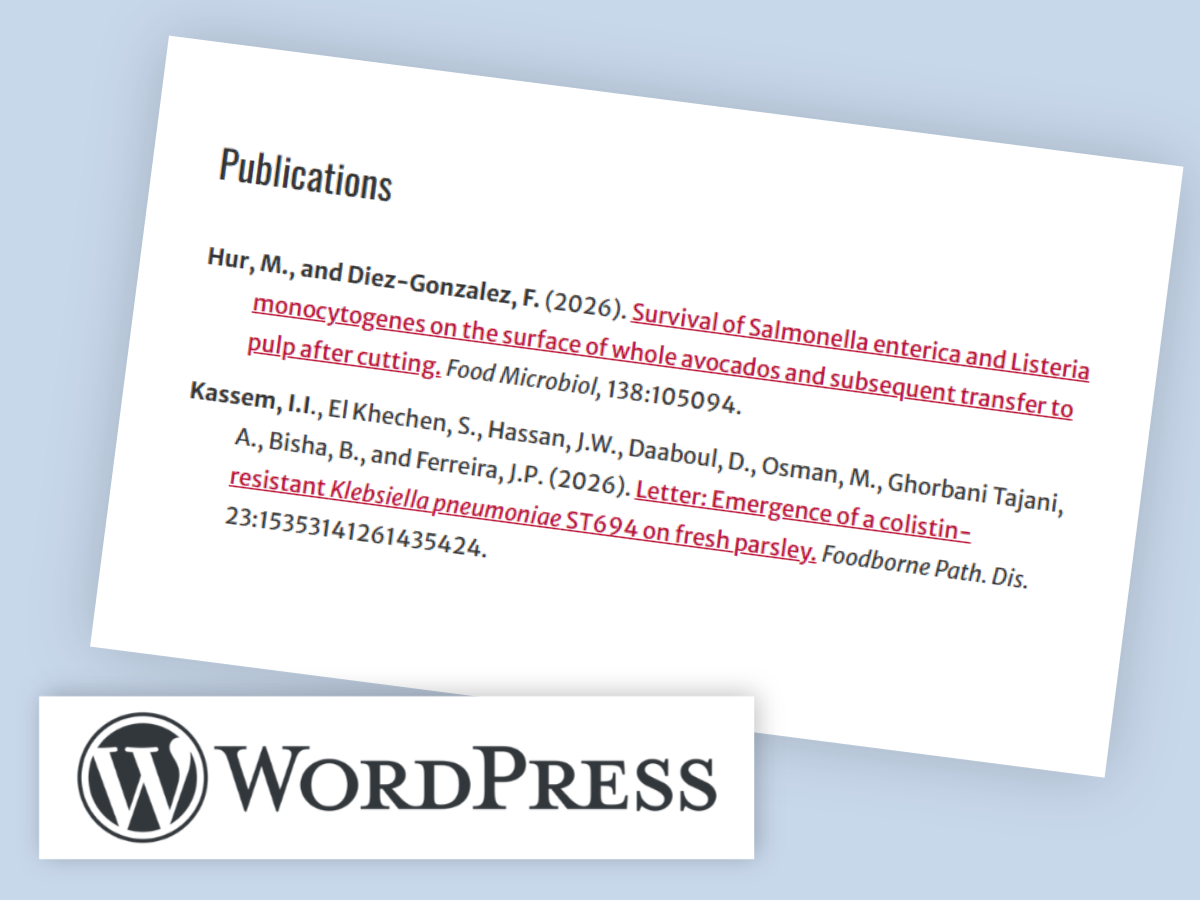
On many CAES and UGA Extension lab and program websites, our researchers and specialists add publication lists. Here are instructions to add a list style with a hanging indent to meet APA Style and WCAG 2.0 Level AA guidelines on your WordPress site.