User Guide and Compliance Workflow
The Fix Alt Text plugin is our primary tool for ensuring our websites have required text alternatives for images in order to meet WCAG accessibility compliance. It helps us find missing alt text in bulk and prevents new errors before they happen.
Initial Accessibility Scan
Before editing, the plugin will identify where the gaps are.
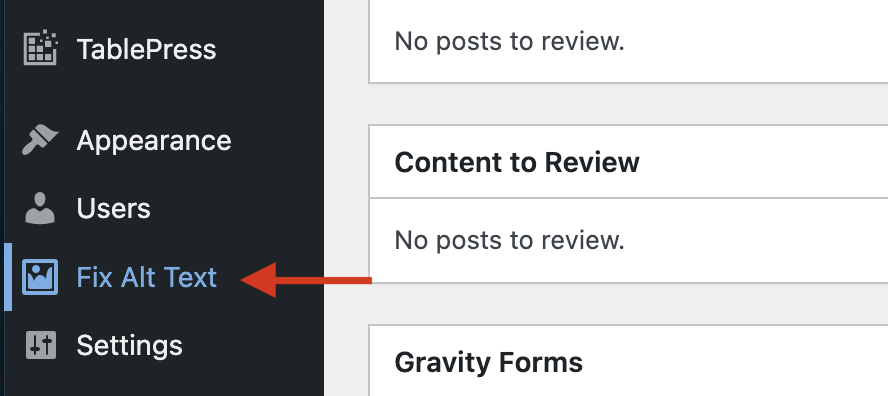
- In your WordPress sidebar, find Fix Alt Text.
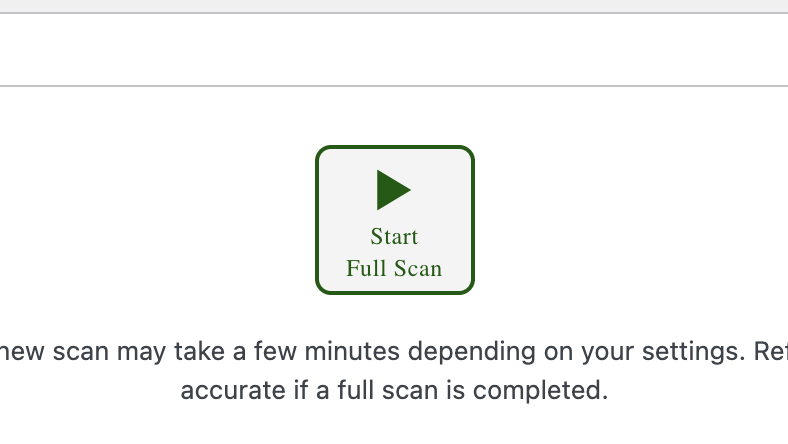
- Click the “Start Full Scan” button.
- The plugin will crawl your site and generate a list of every image currently lacking alt text. This will act as your “To-Do” list.
Alt Text Missing
You can address issues directly from the plugin dashboard without opening individual posts.
- Look at the image thumbnail and the empty text field next to it.
- Enter a concise, descriptive sentence. (e.g., “A beekeeper in full suit pulling a frame from an active beehive.”)
- Click Save at the bottom to update the images globally across the site.

Alt Text Too Short
The plugin may prompt you to add a better alt text description for some images. Alt text should be concise but give enough information to be meaningful. Imagine describing the image over the phone.
Always consider context when writing alt text: why is this image here? What context or information is being communicated visually?
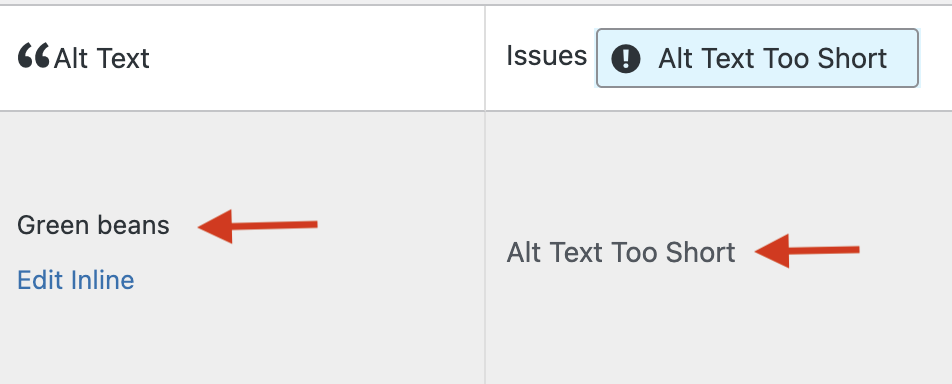
Image URL Not Valid
While scanning, you may encounter an error message stating “Image URL not Valid.”
This error means there is an empty image block or a broken image reference on that specific page. Even if no picture is visible, the code is telling screen readers an image should be there.
Follow these steps to fix the error:
- Go to the page/post mentioned in the error.
- Locate the empty or broken block.
- Remove the block entirely or populate it with a valid image (and alt text).

Image is Purely Decorative
If your image provides no context or information it may be considered decorative. If it meets the criteria for a decorative image, you can select the option “Decorative Image”. You can only access this option from within the Block Editor. All images in your Media Library should have alt text added as a safeguard.

The “Force Alt Text” Guardrail
To keep our site compliant moving forward, we have enabled Force Alt Text. This acts as an automatic safety net for all new content. This may occur in two ways:
- When you upload a new image, the “Insert” button will remain disabled until you provide Alternative Text.
- If you try to publish a post with an image missing alt text, the plugin will flag it with a popup.

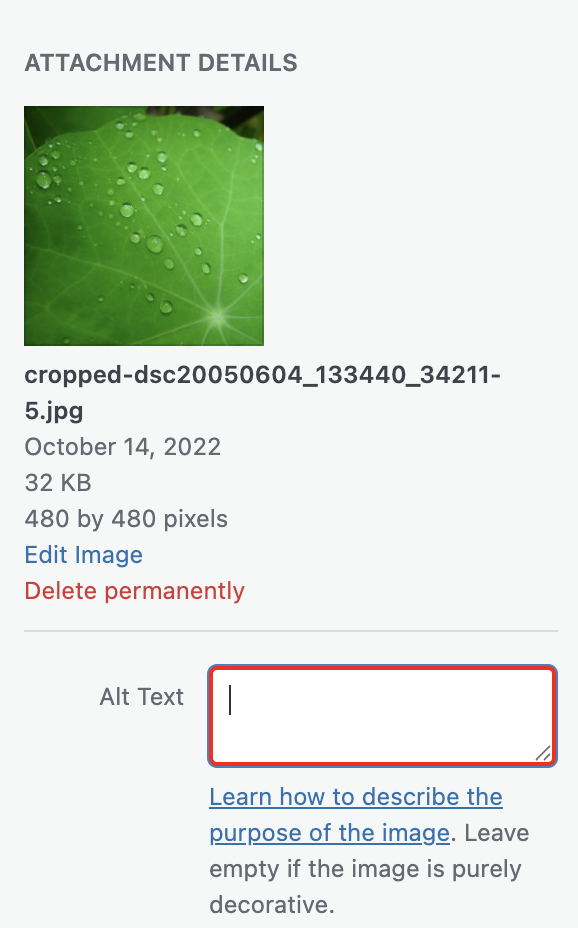
This will help enforce a workflow that ensures alt text will be present for all non-decorative images. The workflow will look like this:
Upload Image -> Describe in alt text -> insert image
By adding alt text to every image right at the start, we will avoid a backlog of inaccessible images that require remediation.
