DubBot’s support structure is organized into three main categories: the self-paced video courses in the Learning Center, the detailed documentation of the Help Center, and direct support from the DubBot team. These resources are free and available to every DubBot user.
Table of Contents
The DubBot Learning Center
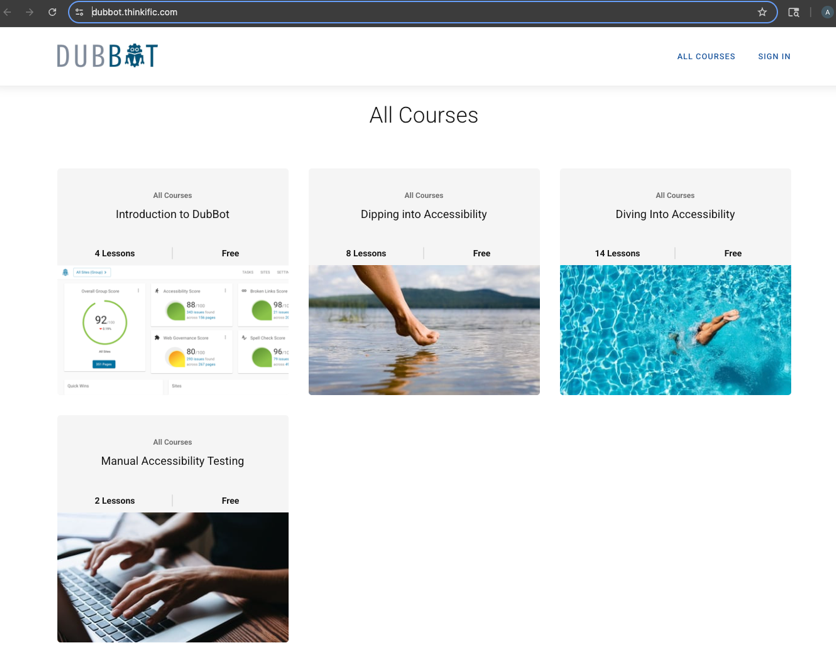
The DubBot Learning Center offers several self-paced video tutorials about how to use the tool as well as common web accessibility topics like alternative text and color contrast. It divides the courses into categories:
Introduction to DubBot: How to use DubBot with video walkthroughs of navigating the tool and using its features.
Dipping into Accessibility: Common accessibility topics like understanding basic alt text, color contrast, and
Diving into Accessibility: A deeper look at more technical or complex web accessibility topics like writing alt text for infographics.
Manual Accessibility Testing: Tutorials on when and how to do manual testing of your site for accessibility compliance such as proper tab order and visible focus.The courses check for comprehension with quizzes and can be taken in any order with no prerequisites. Participants can track their progress and earn certificates for completing these courses.
How to start using the DubBot Learning Center
The DubBot Help Center
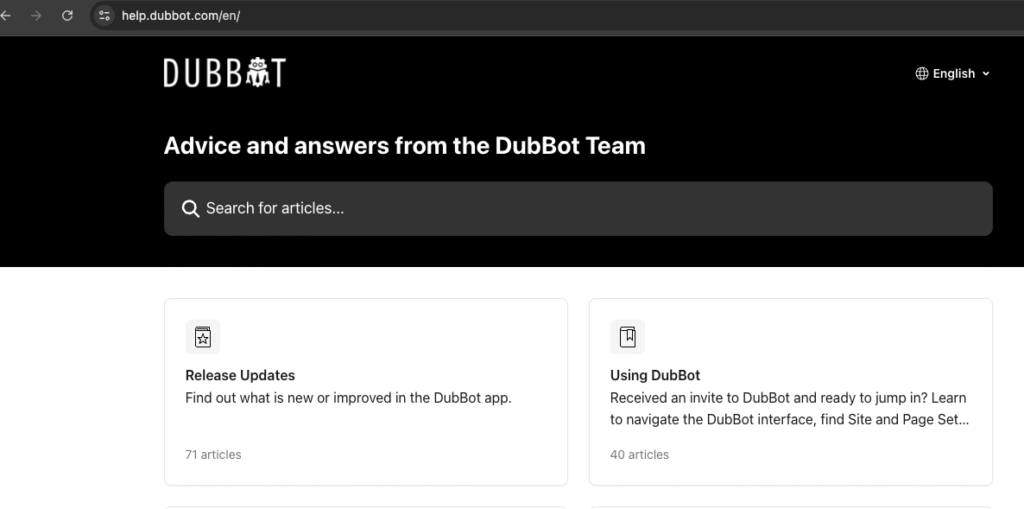
The DubBot Help Center is a comprehensive knowledge base with hundreds of searchable articles on every aspect of DubBot as well as many web accessibility topics. The articles cover every skill level from absolute beginner to advanced digital accessibility pro.
We recommend starting with:
Direct Support
The DubBot Support Team is available if you get stuck using the tool or have questions about a particularly complex issue on a page you manage. There are multiple methods of reaching out to DubBot Support:
- Through email at help@dubbot.com
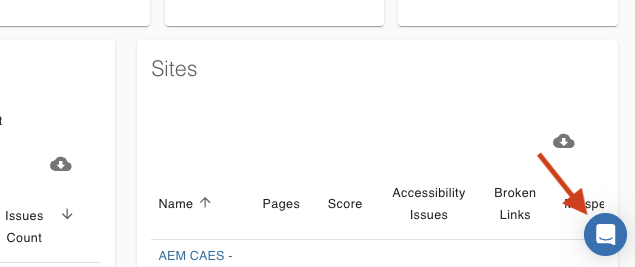
- From within DubBot, you can use the chat bubble in the lower right
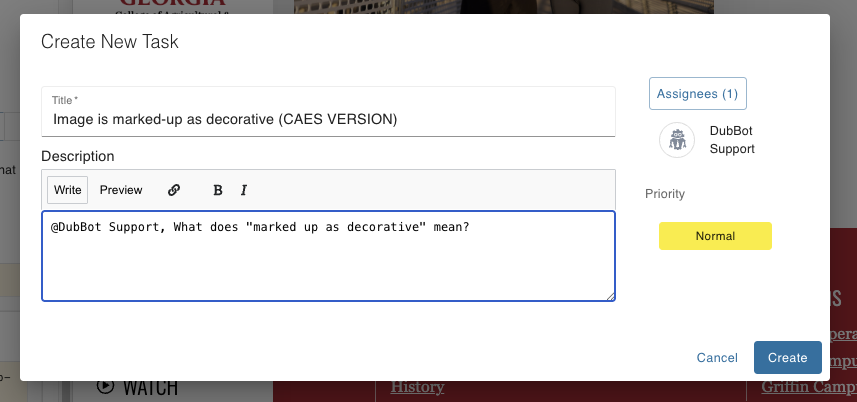
- For questions about a particular issue, initiate a Task and @ mention or assign the task to DubBot Support.
The Web Support Team is always available to answer questions – reach out to us with any questions at caesweb@uga.edu.
